Note: This part of the workspace settings is only available if you have purchased Signi Archive - Long-term document archiving.
If you have the Signi Archive service activated, you can set the document archiving period and specify after how many days documents will be automatically moved to the archive.
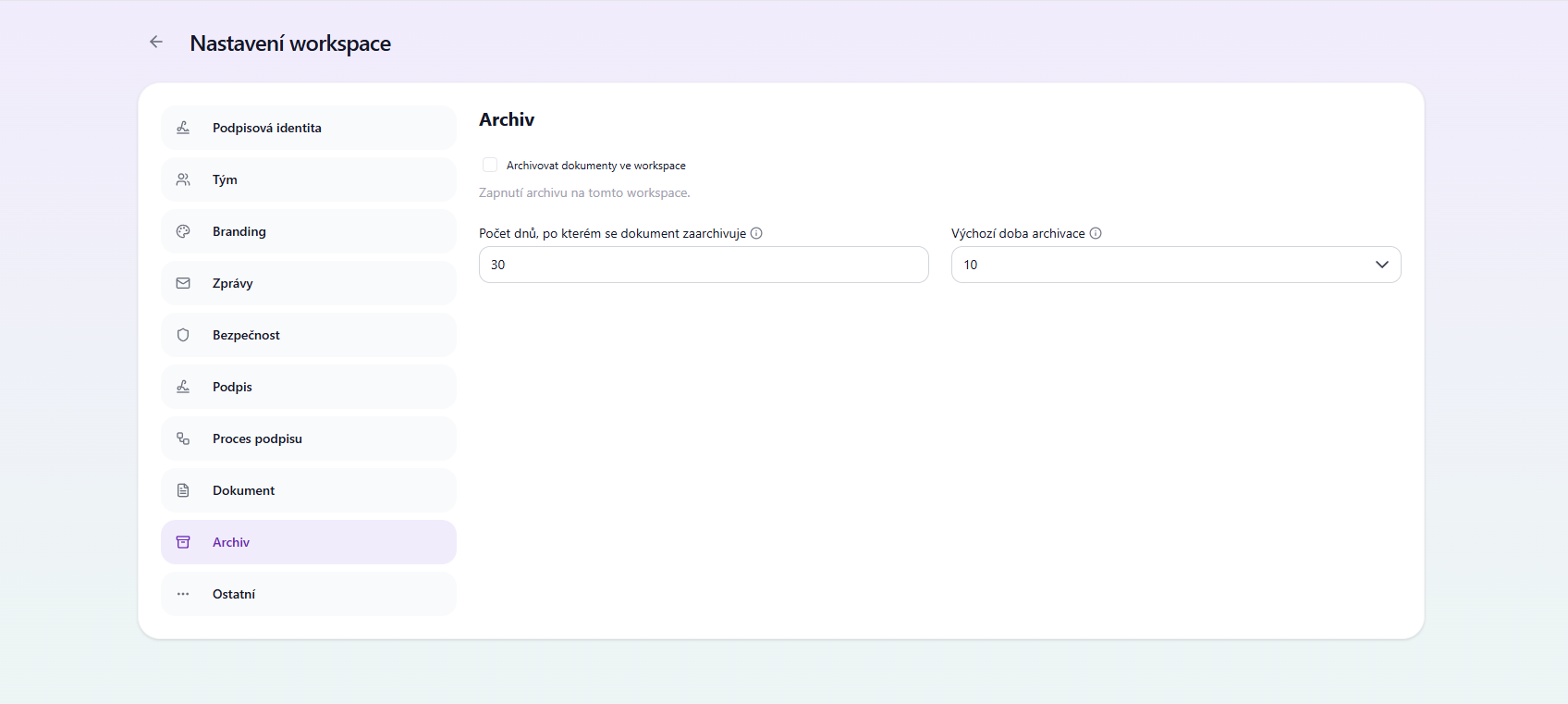
Turning the archive on or off
At the level of a specific workspace you can:
- Turn archiving on or off for the given workspace.
- The setting applies only to the workspace in which it is made.
Number of days before a document is archived
This setting determines the number of calendar days after which a document is automatically archived.
- By default this value is set to 30 days (the default setting for most clients).
- After the set number of days elapses, the document is automatically moved to the archive.
What happens after archiving?
After archiving, the document can be downloaded as a ZIP file, which contains:
- an uninterrupted series of timestamps, not just one
- the certificate chain
- archive metadata (json file)
- the document including attachments
- the audit trail
This ensures complete documentation and long-term archiving.
Default archiving period
The default archiving period determines how long documents will be kept in the archive.
- The period is set in years.
- It determines the total retention period of documents from the moment of their archiving.
Example:
- If you set the period to 10 years, documents will be securely kept in the archive for 10 years from the date of archiving.
For more information about the archive in Signi, see Long-term archiving
Was this article helpful?
That’s Great!
Thank you for your feedback
Sorry! We couldn't be helpful
Thank you for your feedback
Feedback sent
We appreciate your effort and will try to fix the article