If you want to create a new workspace with the same or similar settings as another workspace, our app gives you an easy way to copy settings from an existing workspace. Follow these steps:
Steps:
- Click the “Create workspace” button
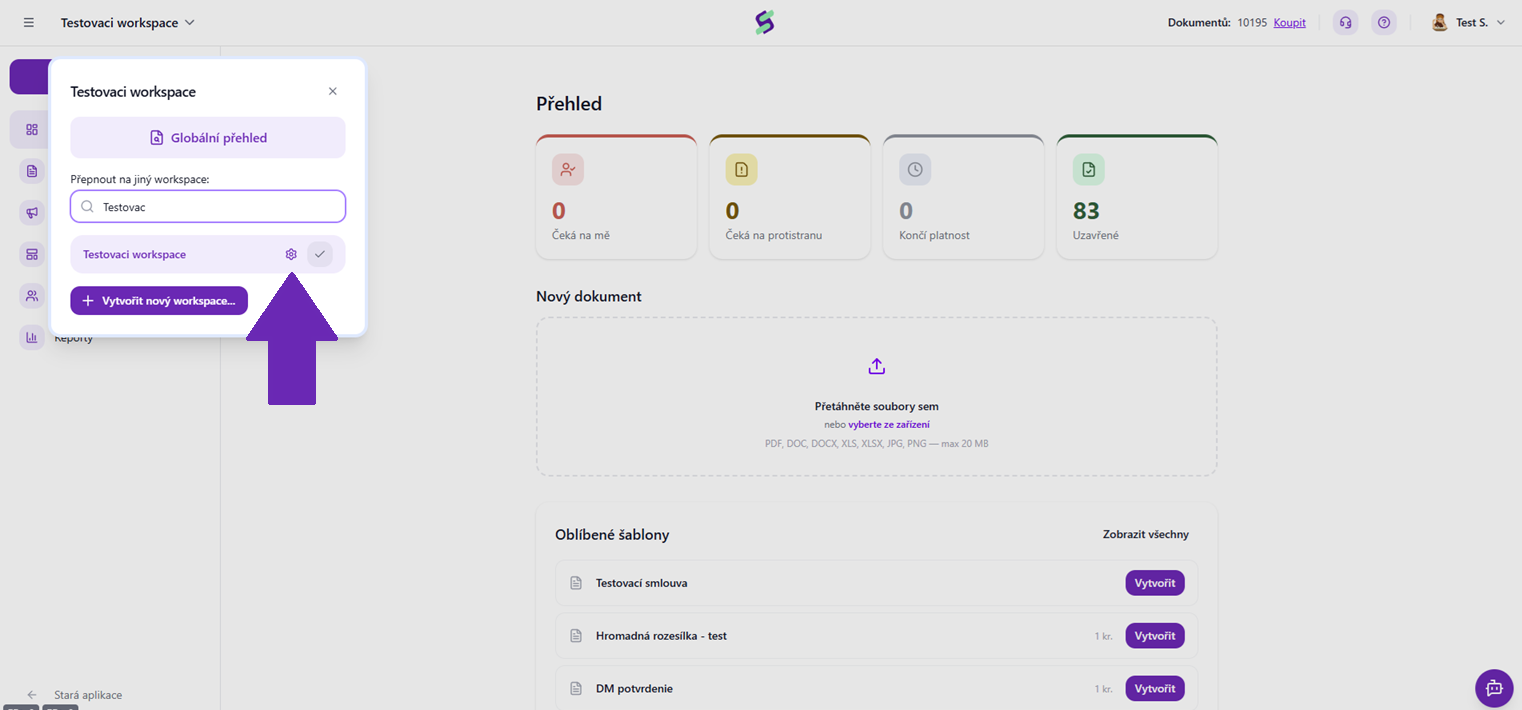
- Below the workspace name field you will find a drop-down menu labeled “Copy settings from workspace”.
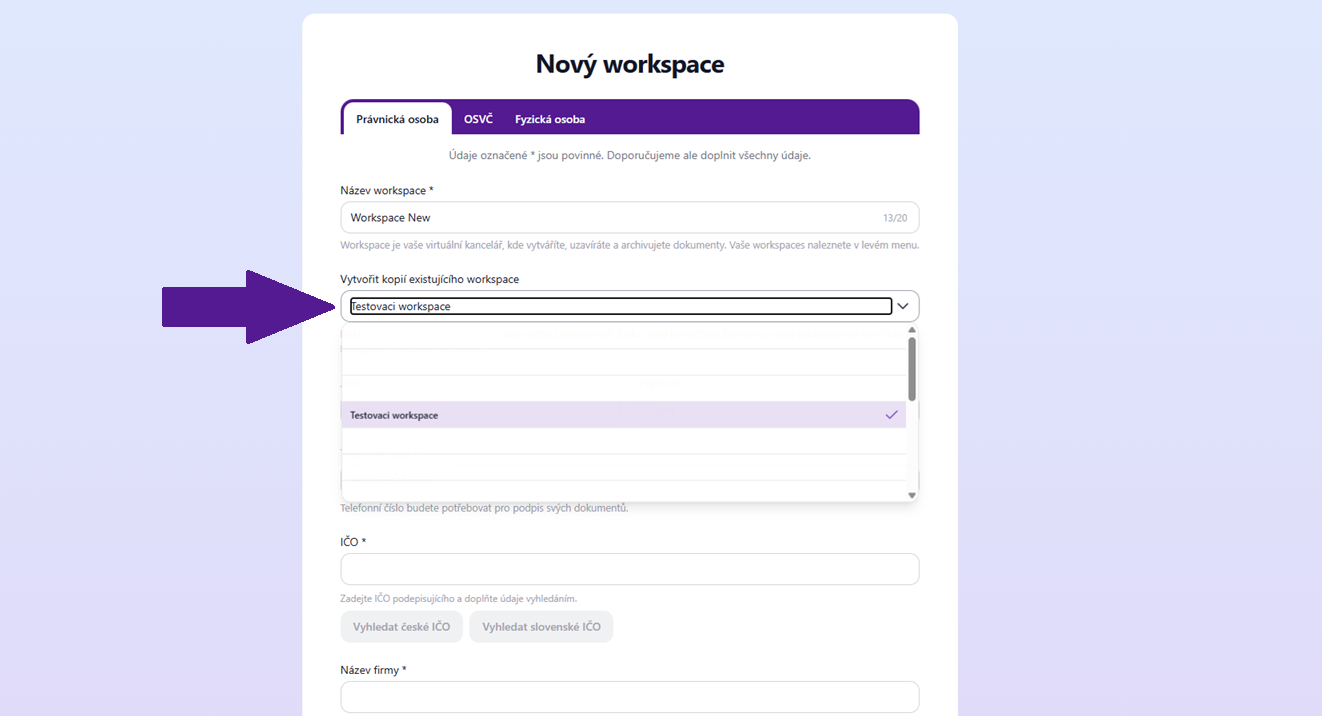
- Clicking this menu will show the available options:
- Don't copy: This option creates a workspace with the default settings.
- Names of existing workspaces: For example “Workspace A”. If you choose one of them, the settings will be copied from the selected workspace.
⚠️ Note: The SIGNI archive is not transferred when copying. If you want to activate the archive in the new workspace, you need to contact our support at help@signi.com.
Was this article helpful?
That’s Great!
Thank you for your feedback
Sorry! We couldn't be helpful
Thank you for your feedback
Feedback sent
We appreciate your effort and will try to fix the article