Hiding certain documents in an envelope can be useful in cases where, for simplicity, we want to keep several documents in a single envelope while one of the signers should not see a particular document.
- A typical example is a three-party agreement where one of the signers should not see what the other two see, for example financing agreements that include several documents signed between the customer, the supplier, and the financier, or real estate contracts between the seller, the buyer, and the broker,
- Another example is documents that should only be seen by the proposer's representatives and not the counterparties, e.g. a cover sheet, a cover page, or an internal protocol delivered from an integrated application.
- etc.
How does it work?
The first step is to upload a document along with a few attachments; after uploading, click the Create draft button.
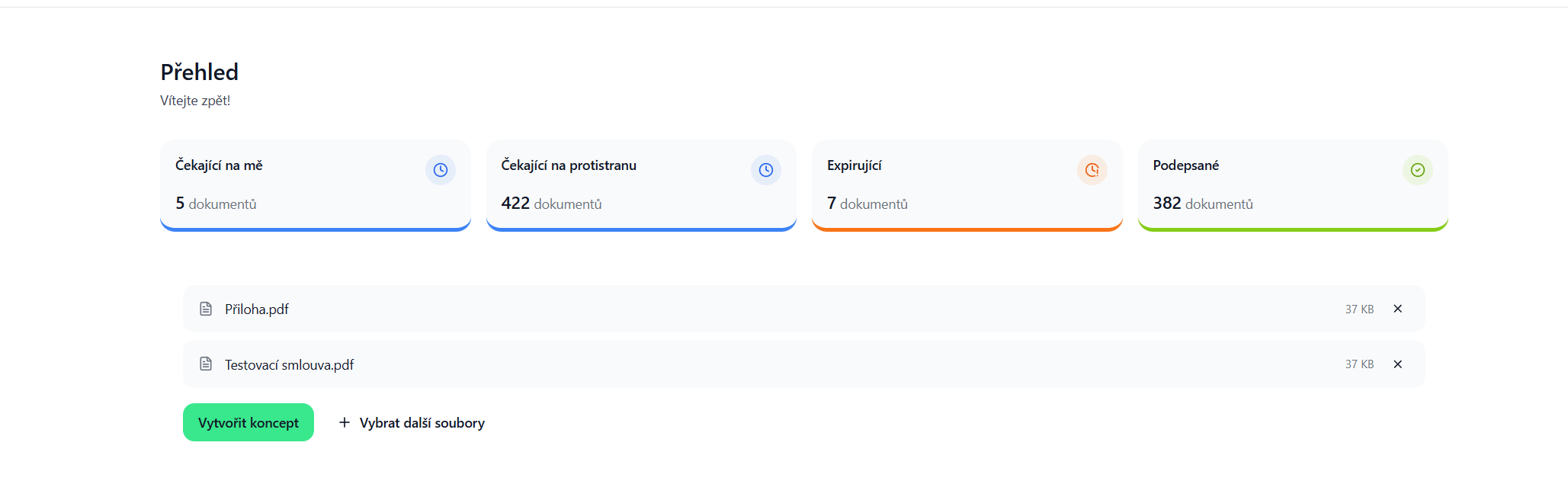
Next, add the signers and continue to the document content.
After clicking the button mentioned above, you should see a list of documents on the left side of the application.

By clicking the eye icon next to the document name, you can set who will see this document and who won't. This cannot be set on the main document, which is visible to everyone.


After setting the document visibility, place the signature fields and send the document.
The counterparty will then only see the documents intended for them.

Was this article helpful?
That’s Great!
Thank you for your feedback
Sorry! We couldn't be helpful
Thank you for your feedback
Feedback sent
We appreciate your effort and will try to fix the article