In this article, we've prepared an overview of all the useful features that can significantly ease the work of HR departments.
Key features
- Sending multiple documents within one envelope Send an employee an employment contract together with attachments in a single envelope.More here
- Signing on a single device When you need to sign a document directly in the office on the spot.More here
- Delivery by legal fiction The employee can sign the document, but if they do not, after 15 days the document is considered delivered.More here
- Login via SSO Thanks to Single Sign-On (SSO) integration, your employees can log in to Signi securely and conveniently using their company account, without having to remember additional passwords.More here
- Campaigns Ideal for bulk sending of hundreds of documents with dynamic fields.More here
- Signing documents with a qualified certificate For cases where a signature with increased legal weight is required.More here
- Global overview All documents clearly in one place for easy review.More here
- Bulk signing Save time with the ability to sign multiple documents at once.More here
Features we recommend setting up within your workspace settings
1. Signing methods
- Biometric stylus signature, Text, and Insert image are signing methods at the level of a simple signature.
- Different users prefer different methods – that's why you can set:
- which method will be the default,
- which methods will be allowed,
- and which will not be available.
You can adjust this in the settings here: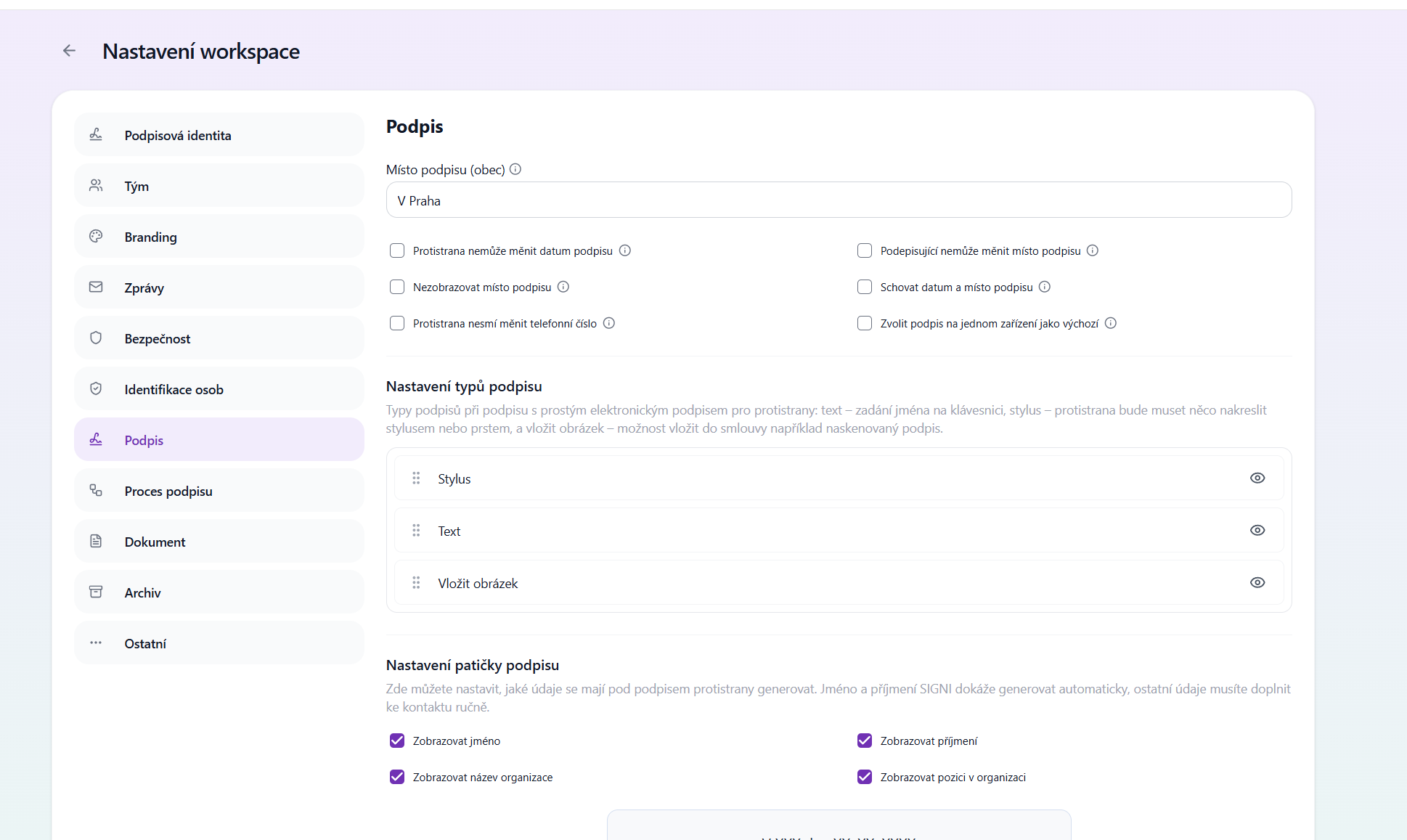
If you want to hide an option, click the eye icon.
When signing, unregistered signers will then only see the options you allow them:
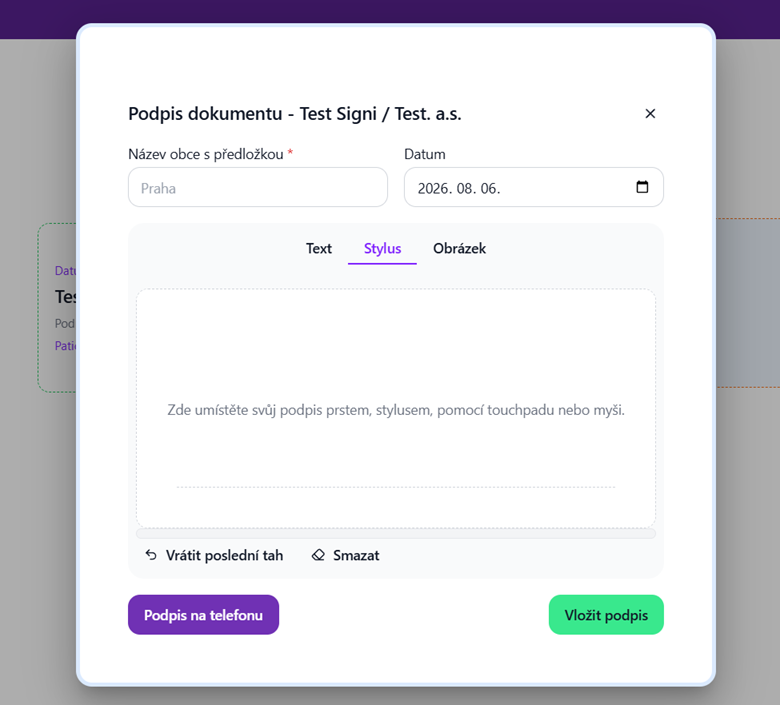
➡ More information can be found here: Electronic signing in Signi
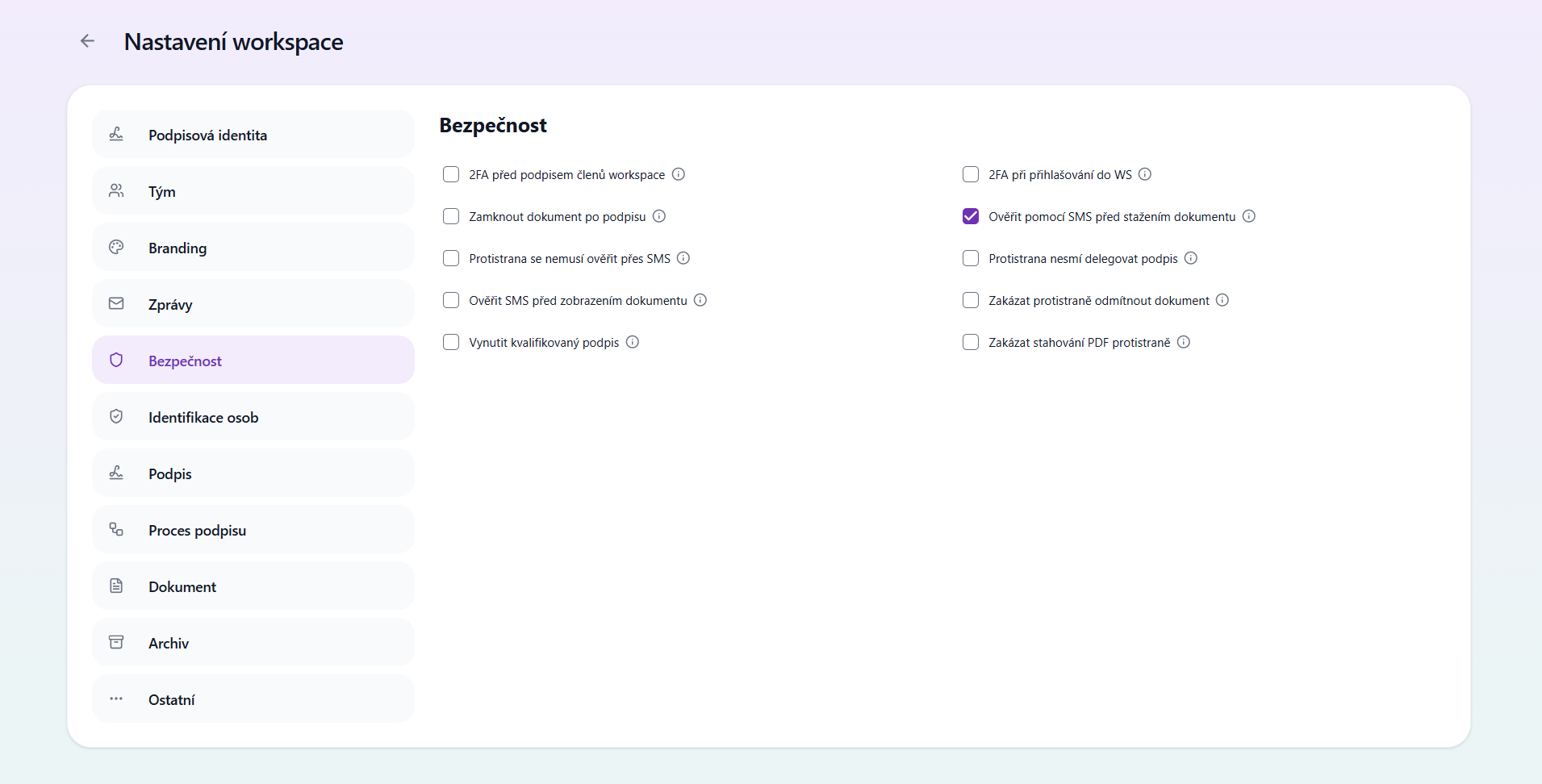
2. Verification via SMS before downloading the document
- This security applies only to the unregistered counterparty.
- If the counterparty wants to download the signed document, they will be sent an SMS PIN code.
- You can adjust this in the settings here:
3. Prohibit backdating
The counterparty **cannot change the signature date**. * Check this if you want to prevent changing the date to anything other than the current one.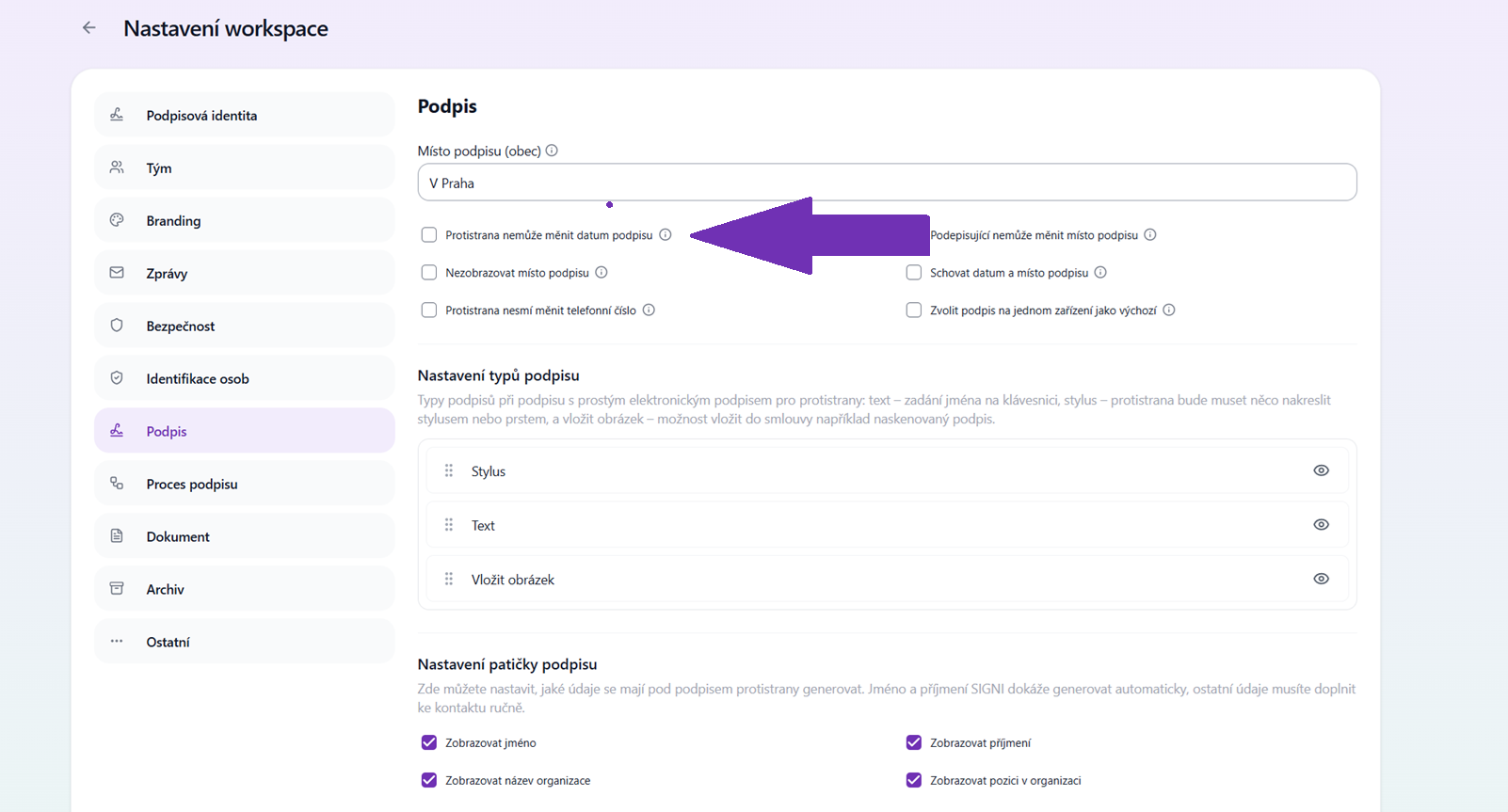
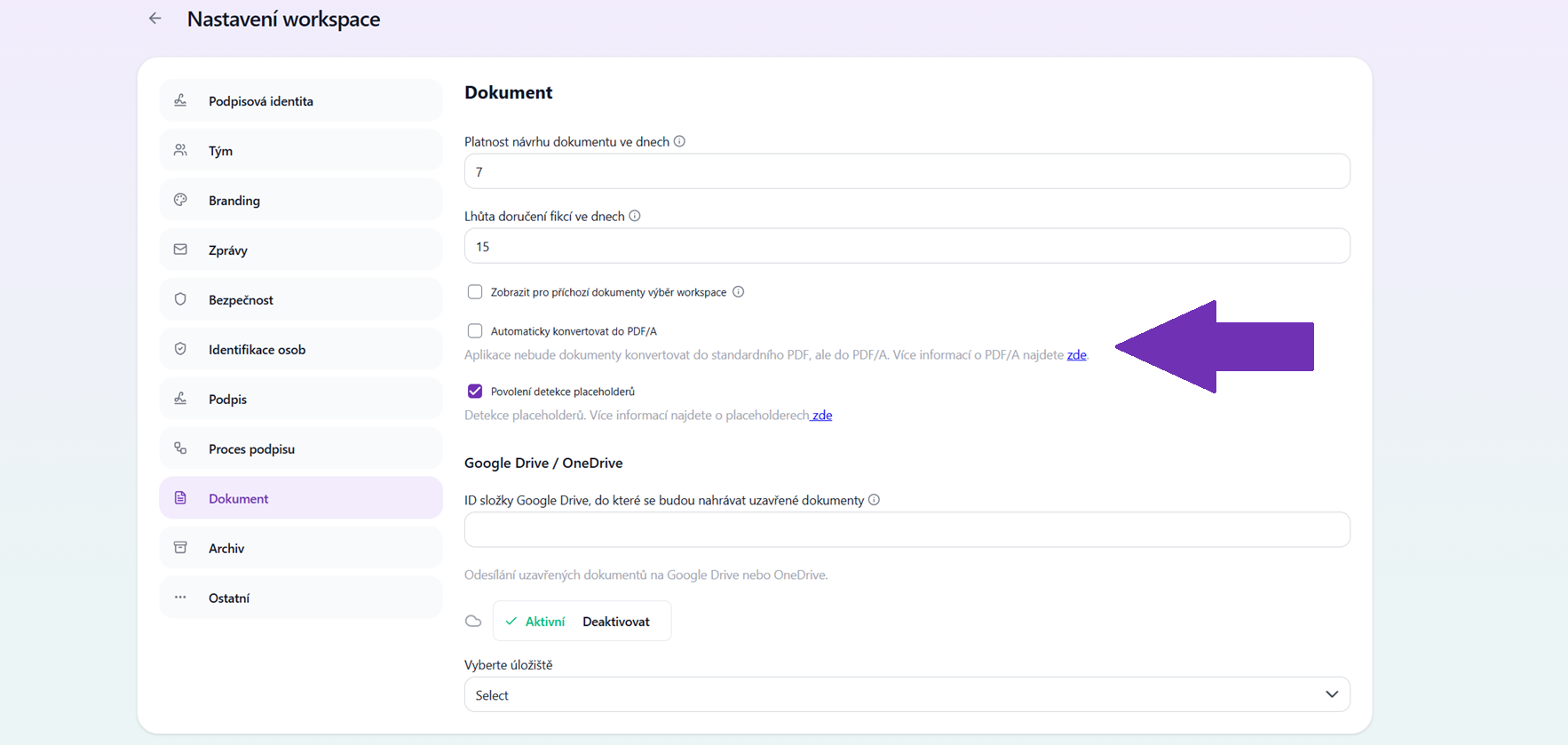
4. Automatic conversion to PDF/A
- Suitable if you need to archive the document for a long time (e.g. in a trusted electronic archive).
- More about the PDF/A format can be found here: Adobe – PDF/A
Other features you can set up
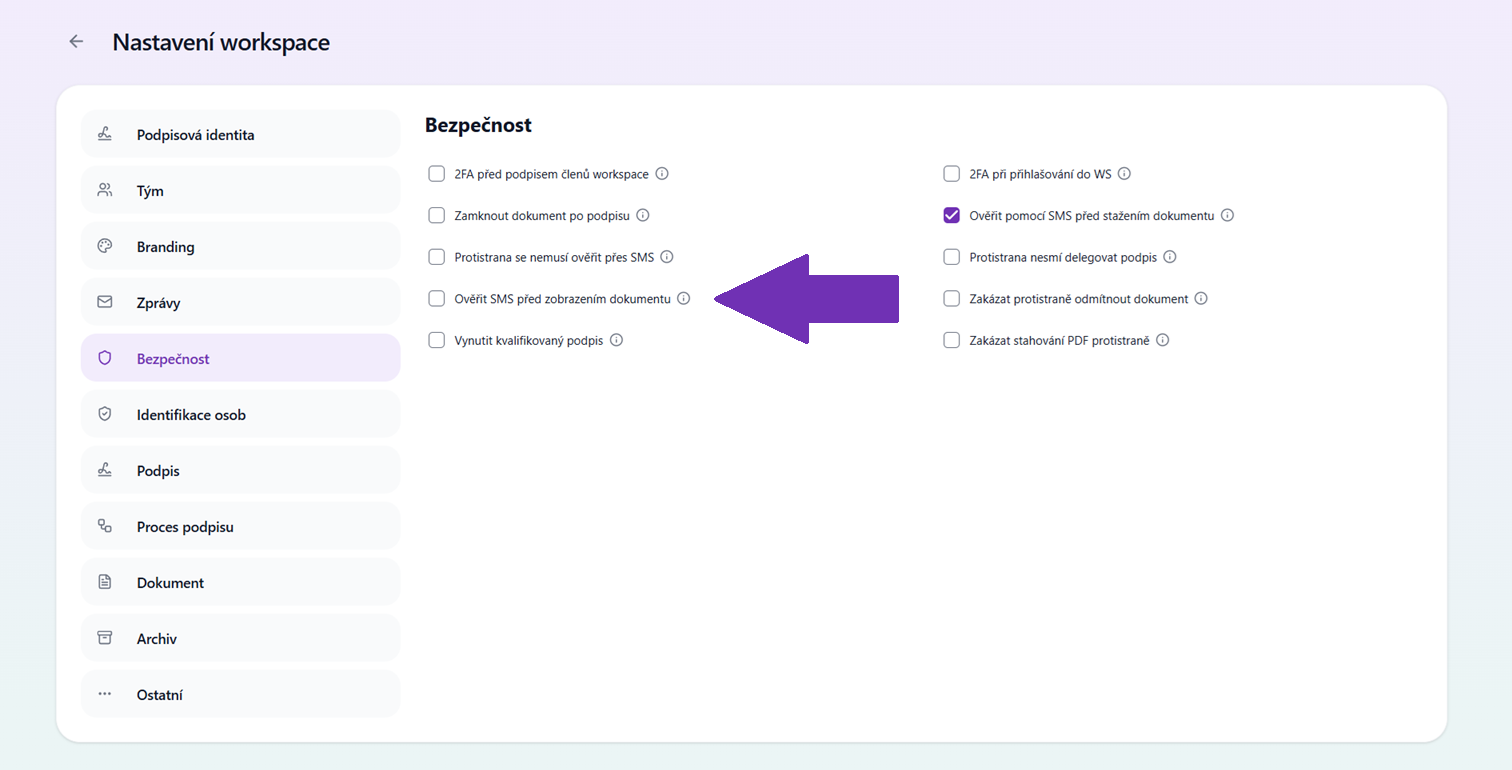
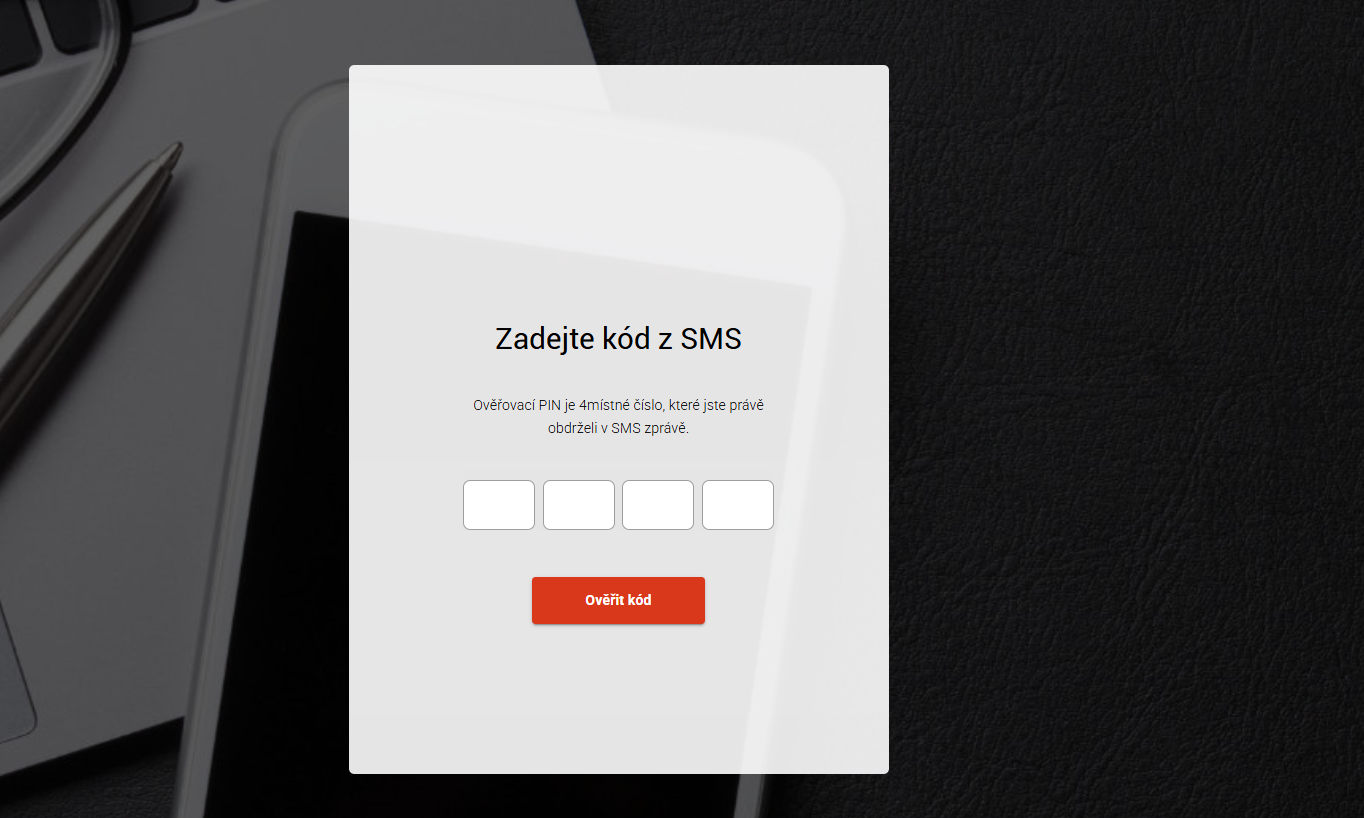
- Requesting an SMS PIN before displaying the document If you want to be sure that only a specific employee sees the document, you can set up verification with an SMS PIN before display. The employee receives an email without attachments, clicks the link, and must enter the code from the SMS before the content is displayed.
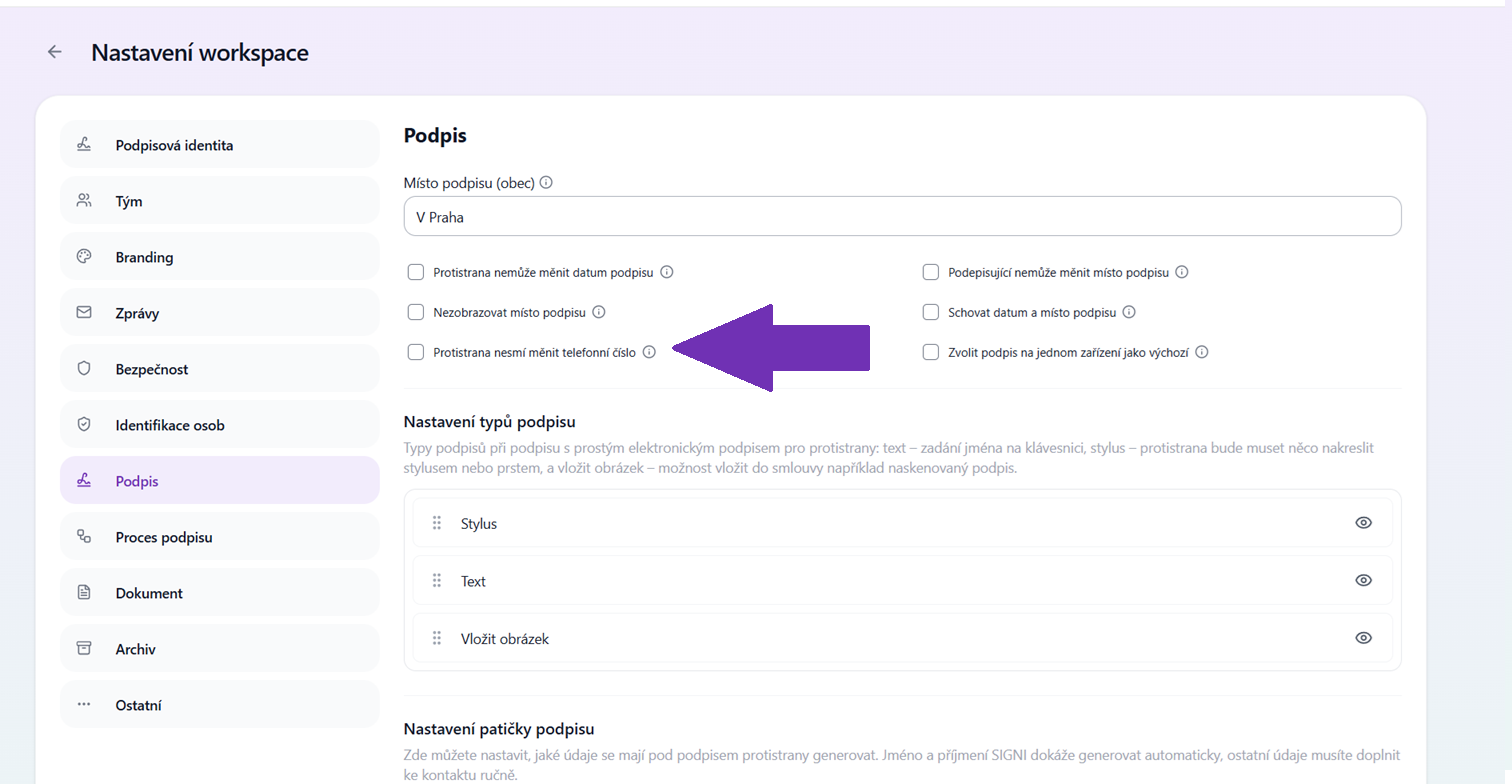
- Disabling the option to change the phone number - So that the employer can be sure the SMS PIN arrives only at the employee's number, you can block the counterparty's ability to change the number.
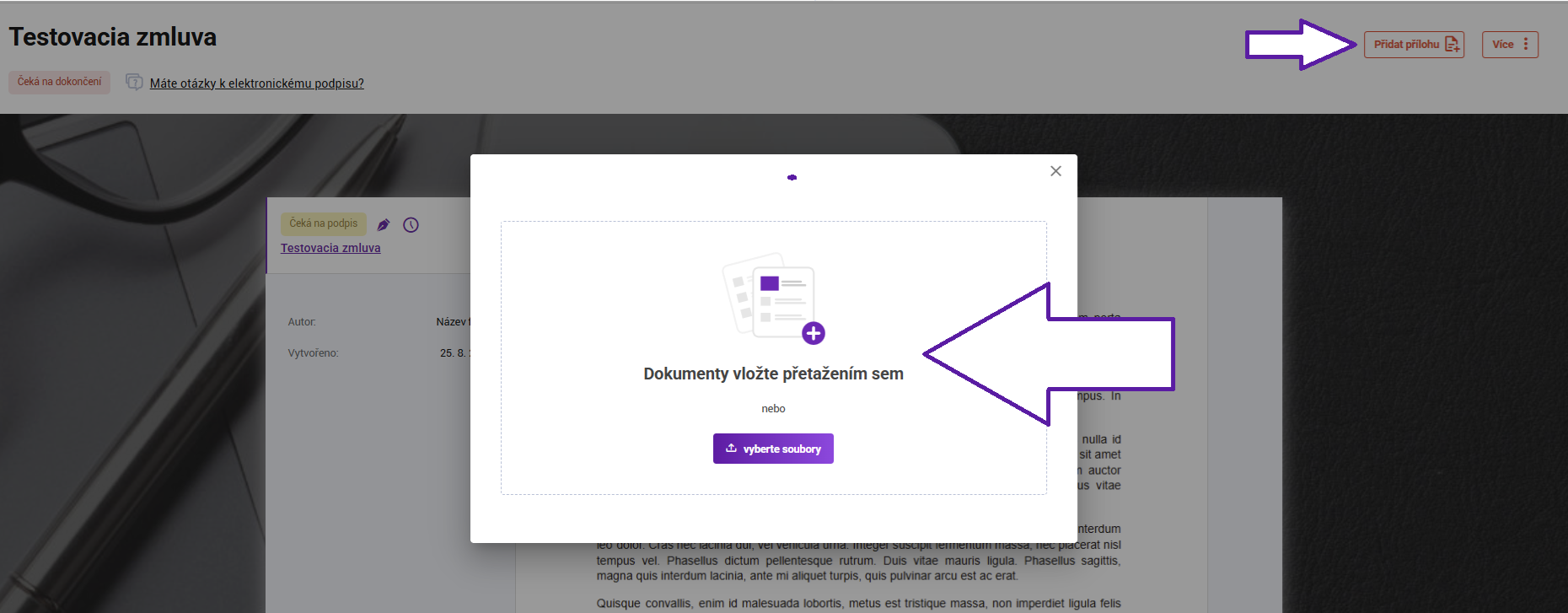
- Adding attachments by the counterparty You can ask employees to upload, for example, copies of documents or other required materials to the document. Thanks to the counterparty attachment feature, the entire process takes place in one place and all materials remain safely stored with the relevant document. This feature is paid. If you are interested, please contact care@signi.com.
Trusted archive
Signi also includes document archiving. The archive ensures long-term and secure storage, automatically checks the integrity of documents as well as the status of signatures, so you can be sure of their validity even after many years.
The archive can be set for any number of years. This is a paid feature – if you are interested, please contact our team at sales@signi.com.
✨ Thanks to these features, your HR department can streamline processes, save time, and ensure maximum security when working with documents.
Was this article helpful?
That’s Great!
Thank you for your feedback
Sorry! We couldn't be helpful
Thank you for your feedback
Feedback sent
We appreciate your effort and will try to fix the article