Companies are adopting single sign-on (SSO) because it lets employees access multiple applications under one verified identity – without having to remember dozens of different passwords. This simplifies day-to-day work, reduces the number of forgotten passwords as well as the burden on IT support, and at the same time increases security: access is centrally managed, multi-factor authentication can be enforced, and the company has an overview of who is logging in and where. A major advantage is easy user management – when a new employee joins, access can be granted in one place, and when they leave, it can be just as easily and instantly revoked, significantly reducing the risk of someone retaining access to company data. Thanks to SSO support, Signi can be seamlessly integrated into the established and secure environments of companies and corporations.
Signi now supports single sign-on via MS Entra ID and Google Workspace.
Microsoft Entra ID
For users who use email accounts managed through Microsoft (e.g. Outlook or company emails within Microsoft 365), just tell them not to create a new account or log in with a username and password. Instead, in the Signi login window they should choose the "Sign in with Microsoft" option.
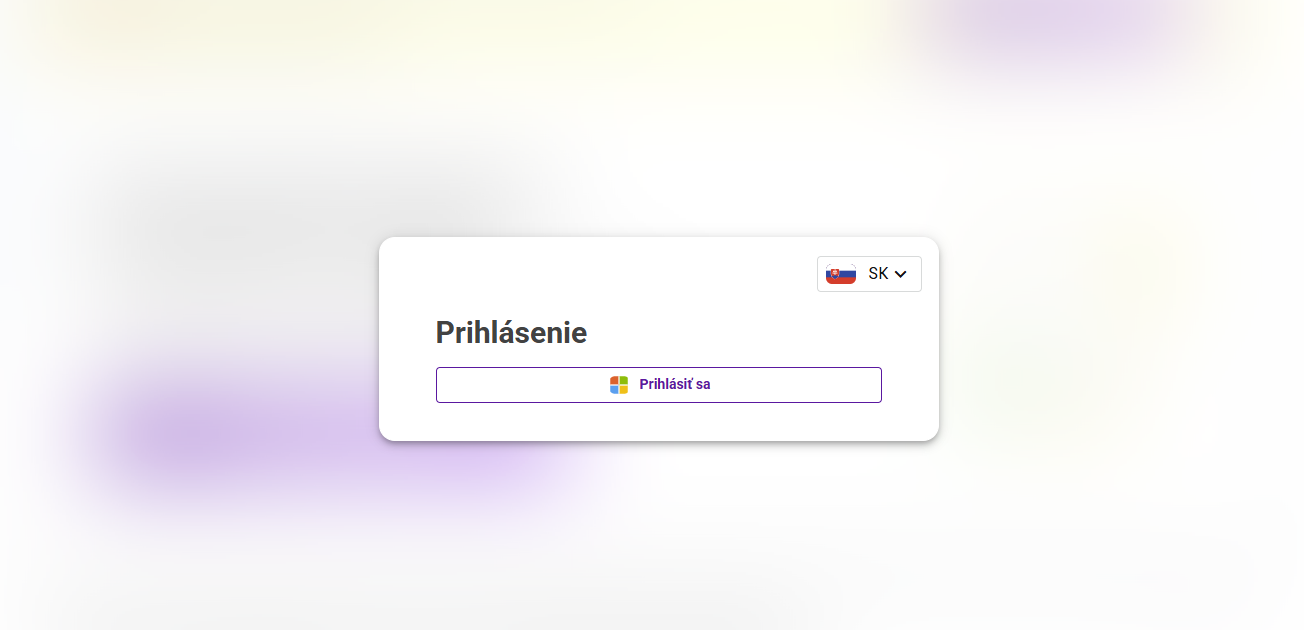
On first use, Microsoft will request approval of access. The user's account will then be automatically created in Signi with their email address, and they will be redirected to the home screen.
If the user was previously invited to your workspace using their email address, they will see the invitation on the home screen and can immediately join in signing or drafting documents.
For subsequent logins, the "Sign in with Microsoft" option is a full-fledged alternative to logging in with a username and password – simpler and more secure.
⚠️ SSO functionality via Microsoft Entra ID is part of the Corporate license
Alternatively, it can be purchased separately at a price according to the current price list. The price also includes the creation of a custom login page with your design and corporate branding, ensuring a professional and consistent user experience for your employees.
Google Workspace
- For users who use Gmail or a company email operated in Google Workspace, tell them not to create an account or log in to Signi with a username and password, but to choose Sign in with Google in the Signi login window.
- The first time, Google will request the necessary access approvals, and then an account is automatically created for the user in Signi with their email address, and the user is redirected to the Signi home screen.
- If you previously invited the user with their email to one of your workspaces, they will see the invitation(s) on their home screen and can join in drafting or signing your documents.
- Next time, the Sign in with Google option works the same way as logging in to Signi with a username and password.| --- | --- | --- |
|


The first login process via Google.
Do you use SSO in your company and are considering using it for Signi as well? Contact us at sales@signi.com.
Was this article helpful?
That’s Great!
Thank you for your feedback
Sorry! We couldn't be helpful
Thank you for your feedback
Feedback sent
We appreciate your effort and will try to fix the article