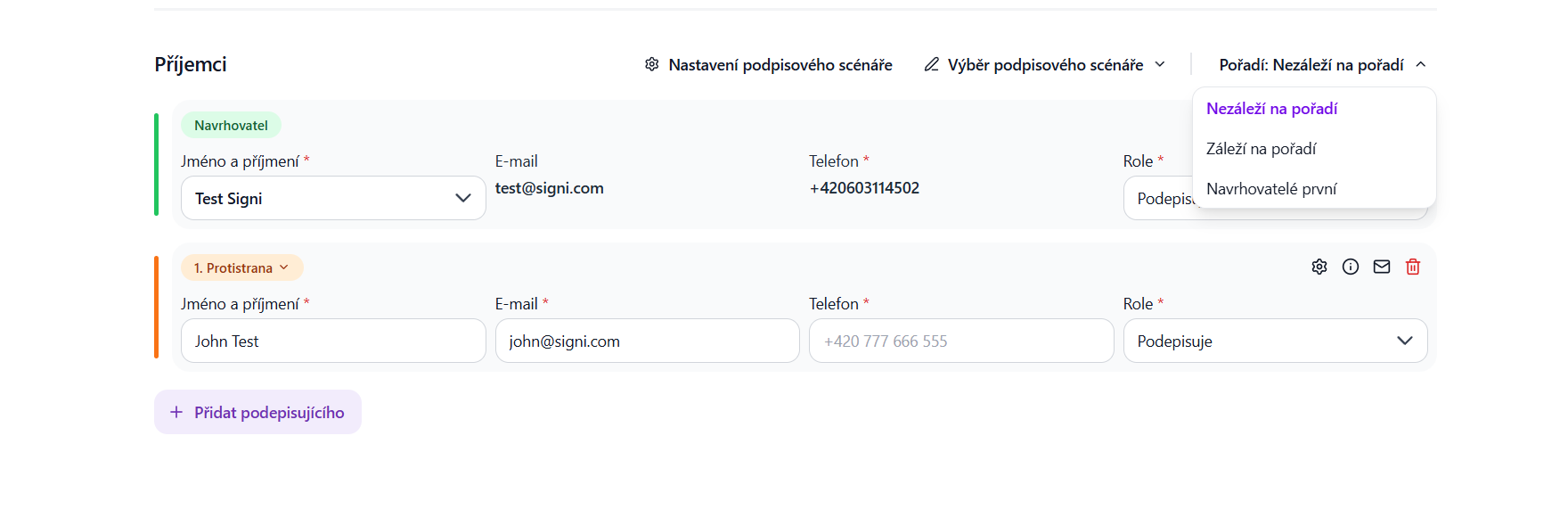
When sending any document for signature or approval, you can set the order of signers.
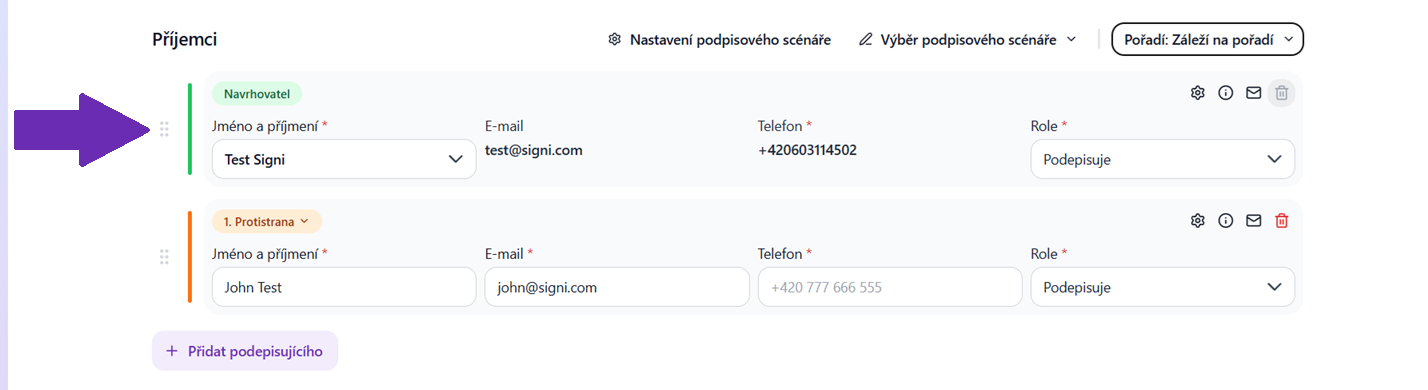
Using the icon on the left side, you can move a contact and thus set the order in which each client will sign.
The document will then “travel” from one user to the next in exactly the specified order:
There is also the “Proposers first” option – this means that the document must be signed by all proposers, i.e. the signers on behalf of your company who are invited to Signi, and only afterwards it is sent to the counterparty.
Then continue in the standard way, by clicking Continue to document content.
Was this article helpful?
That’s Great!
Thank you for your feedback
Sorry! We couldn't be helpful
Thank you for your feedback
Feedback sent
We appreciate your effort and will try to fix the article