In your created documents, you can easily filter based on several different criteria, such as document name, the names of the involved party, status, or creation date.
If you have tagged your documents with labels and created custom folders, you can also filter based on this information.
You can filter documents using several parameters at once.
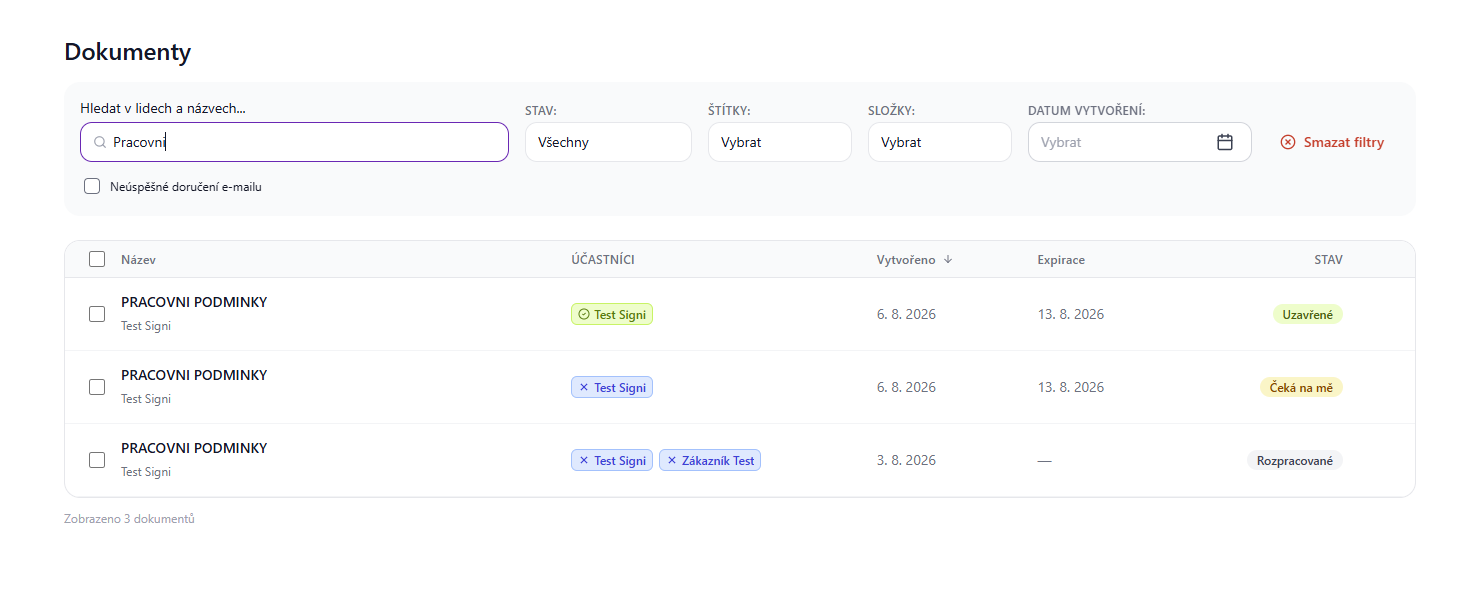
Filtering by email, document name, signers' names
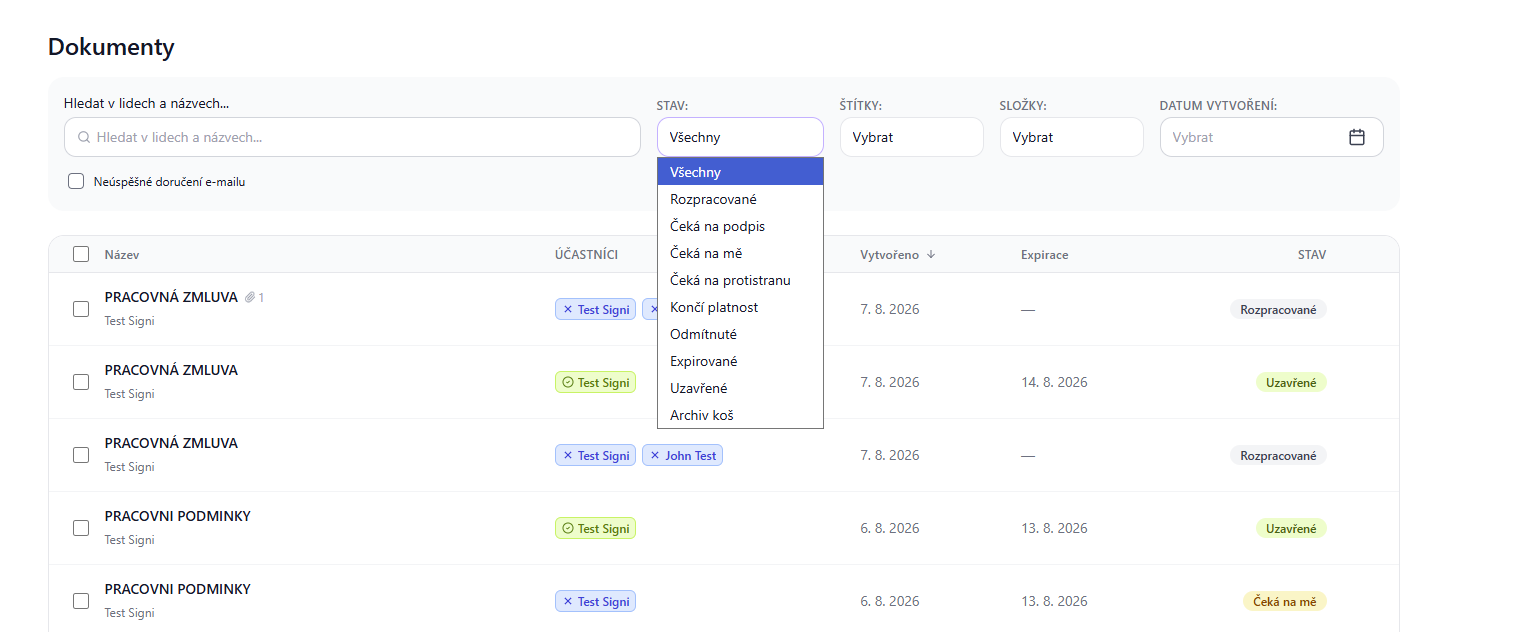
Filtering by the status the document is in
Filtering by labels assigned to the document
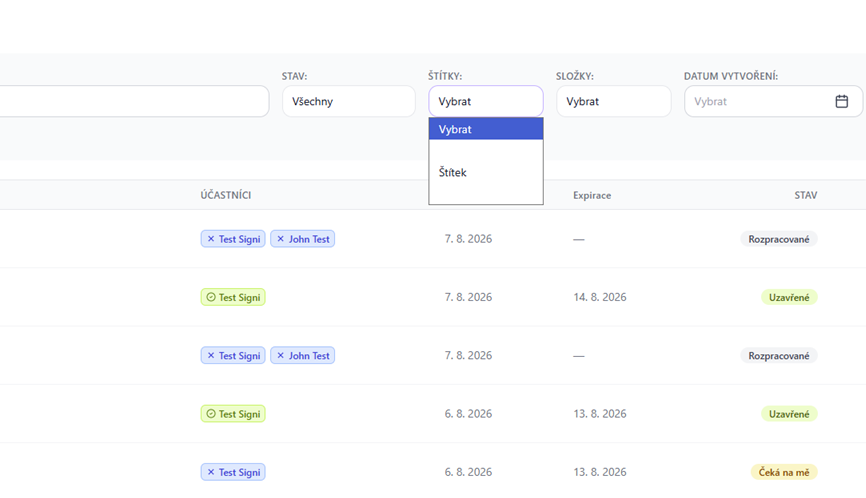
You can add labels to documents, see Labeling a document
Filtering by folders the document is in
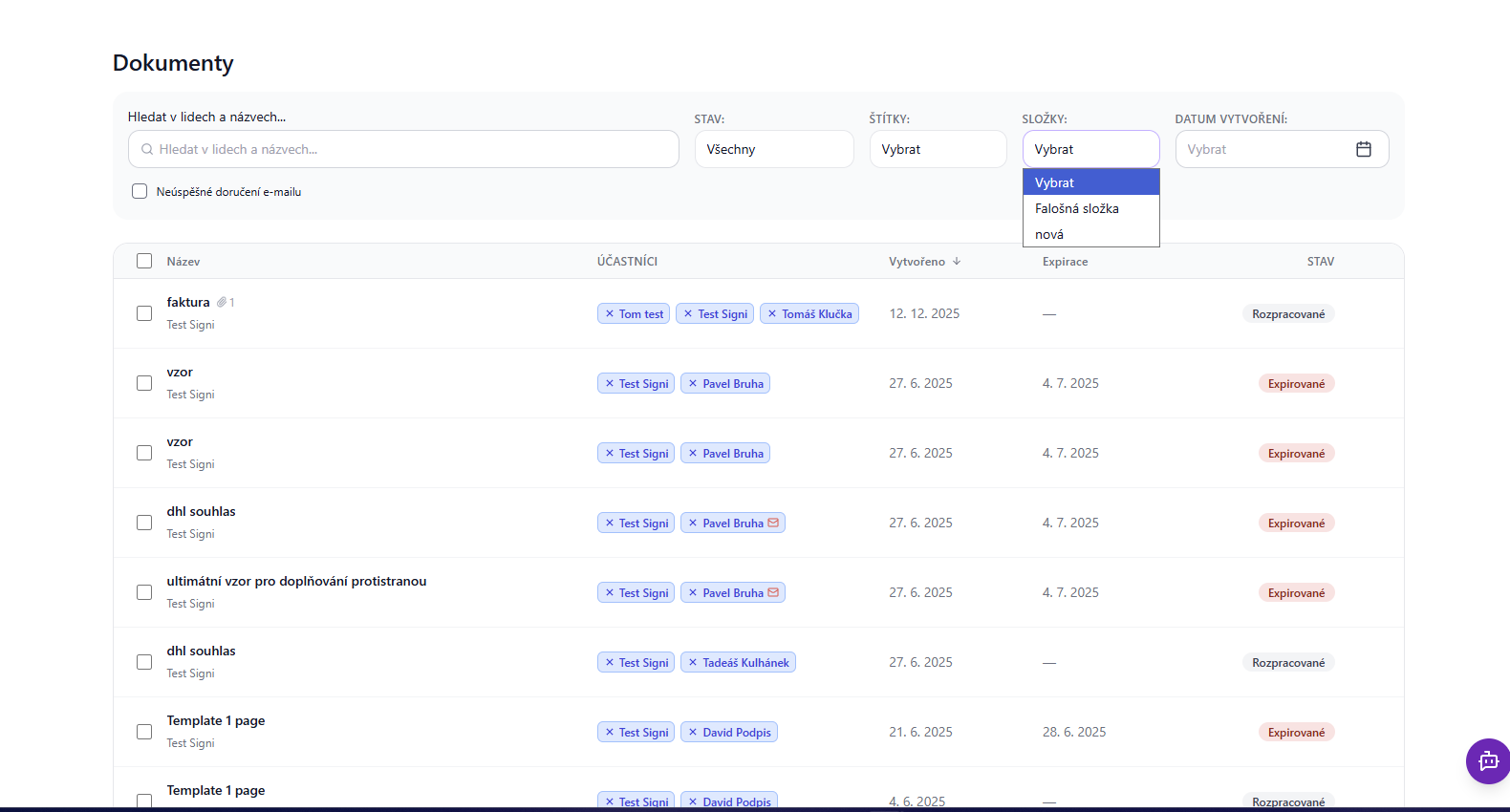
You can sort documents into folders. For more on creating and placing a document into a folder, see New folder for documents.
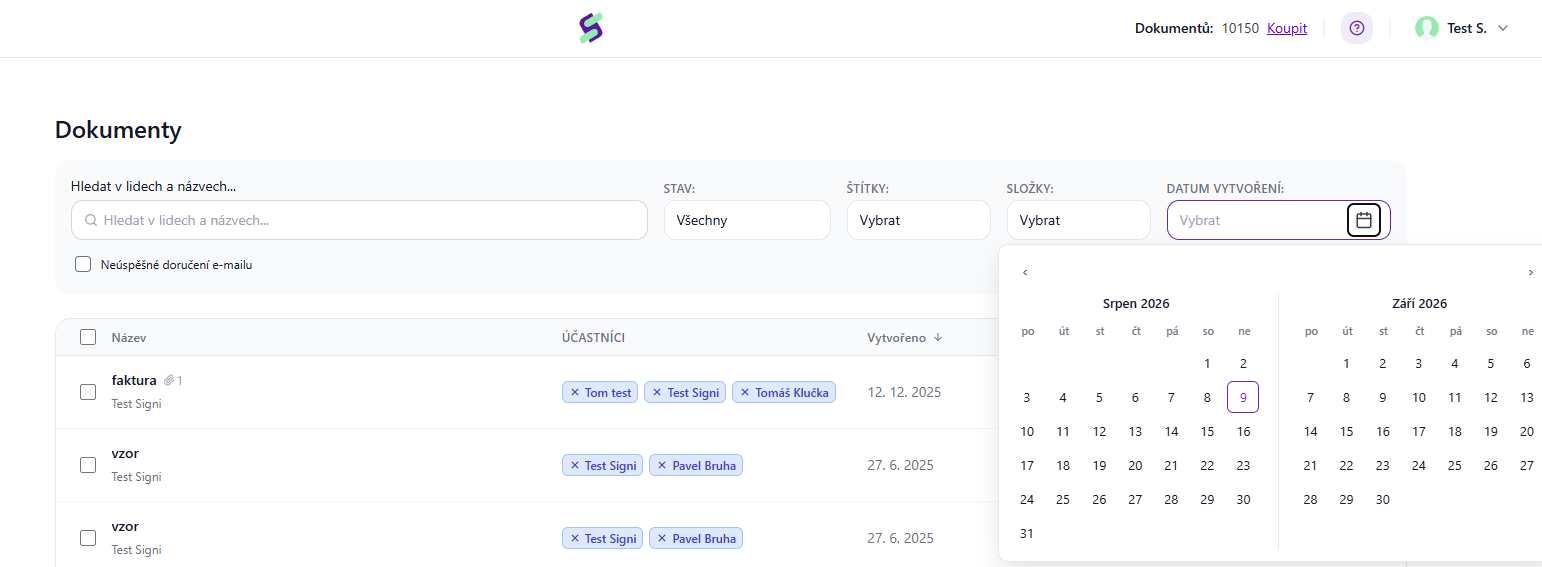
Filtering by date
Was this article helpful?
That’s Great!
Thank you for your feedback
Sorry! We couldn't be helpful
Thank you for your feedback
Feedback sent
We appreciate your effort and will try to fix the article