The Delivery by Legal Fiction feature ensures that a document is automatically completed even if the recipient does not sign it by the specified deadline. The default deadline for completion is 15 days (you can adjust this value in your workspace settings).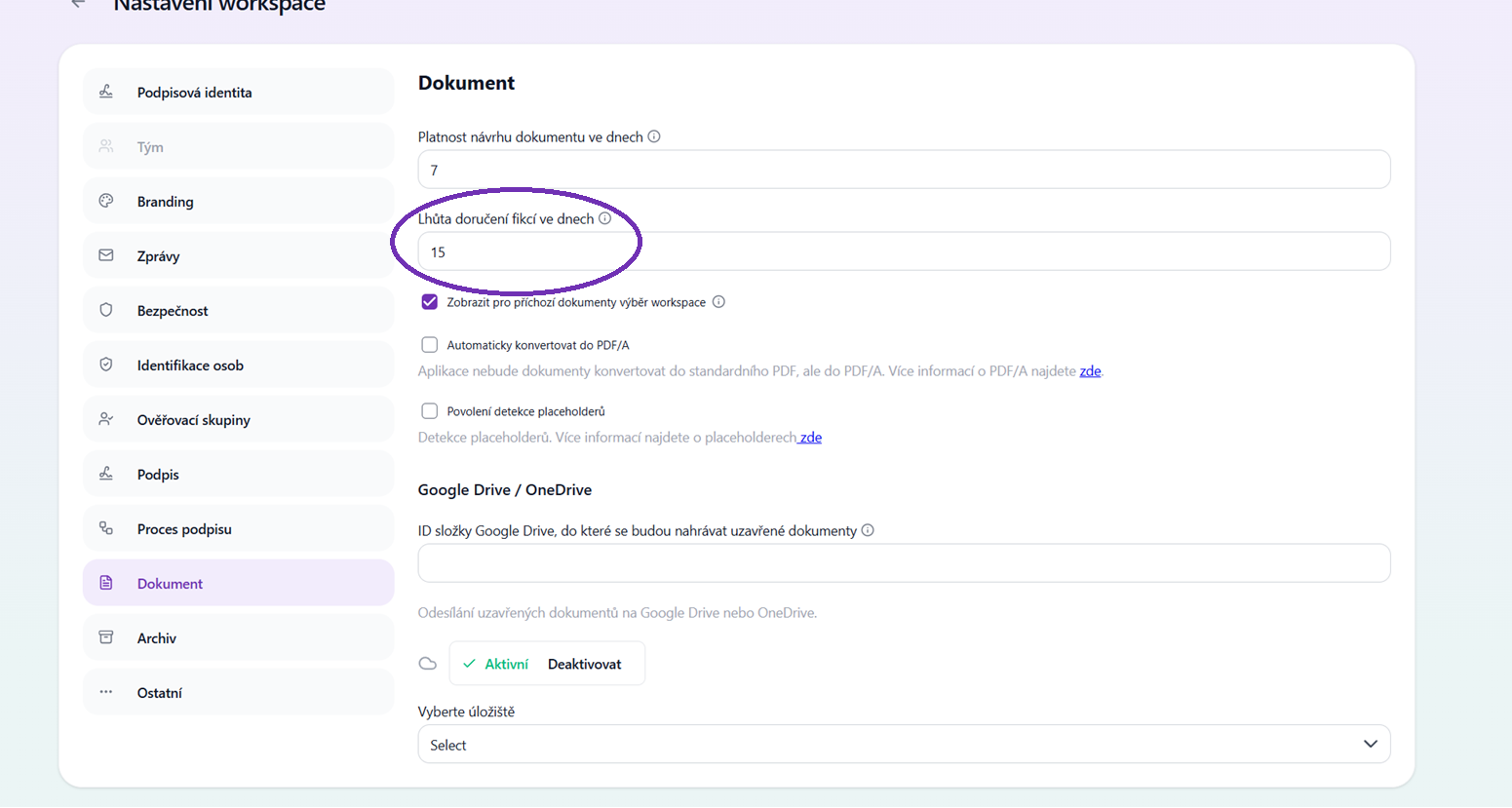
Important rule: The Delivery by Legal Fiction feature can only be used for signing scenarios with a maximum of 1 counterparty.
How to set it up
1. Preparing the document:
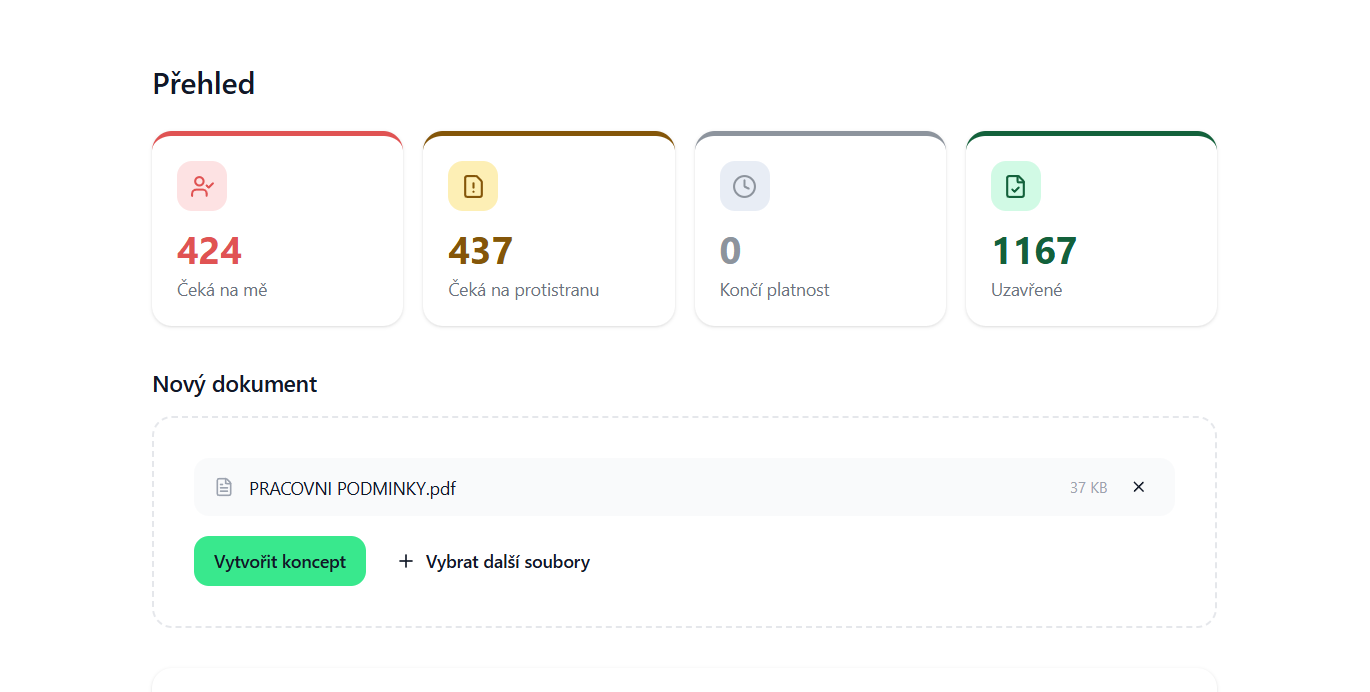
Upload a new document from your device or create it from a prepared template.
 2. Setting up the signing scenario:
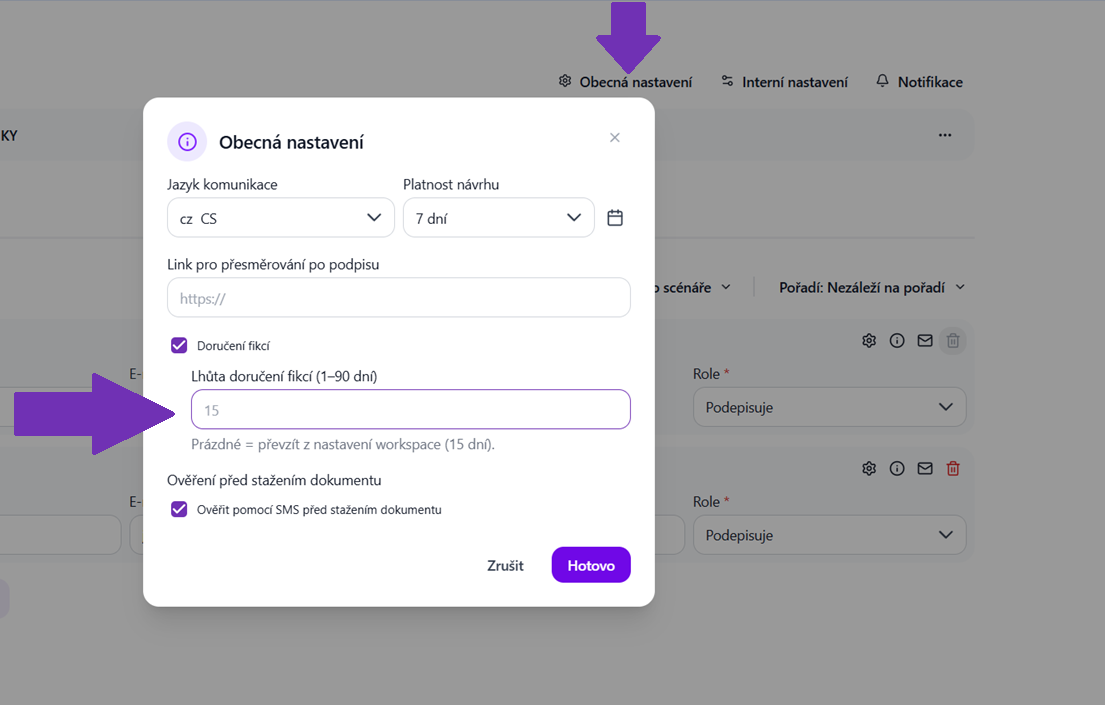
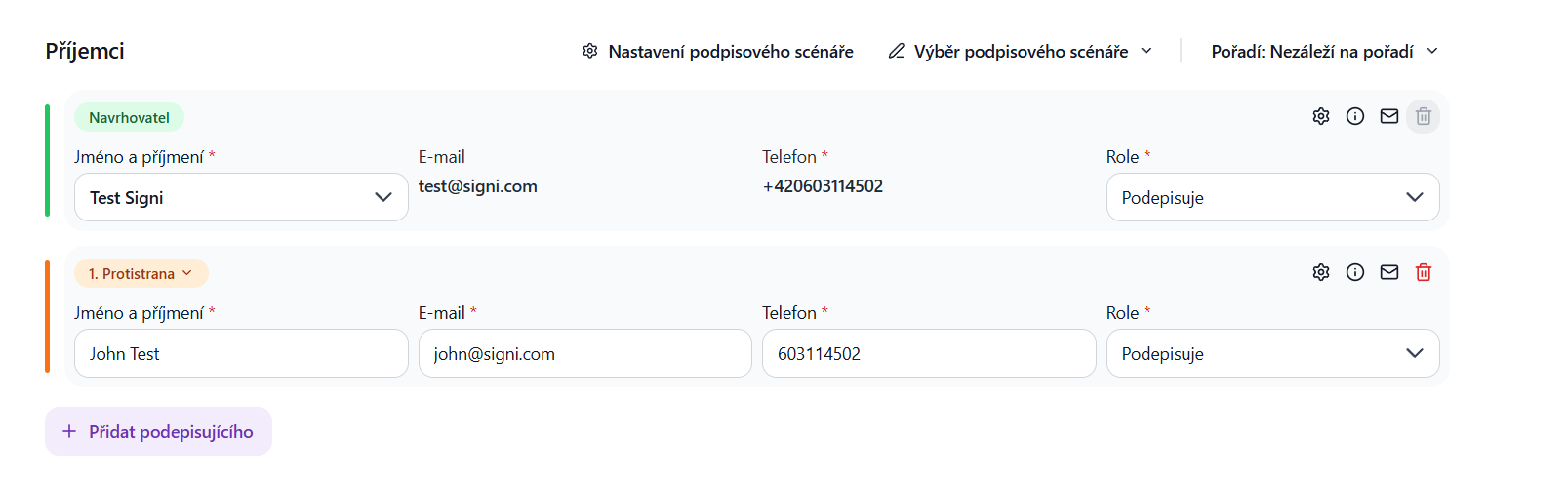
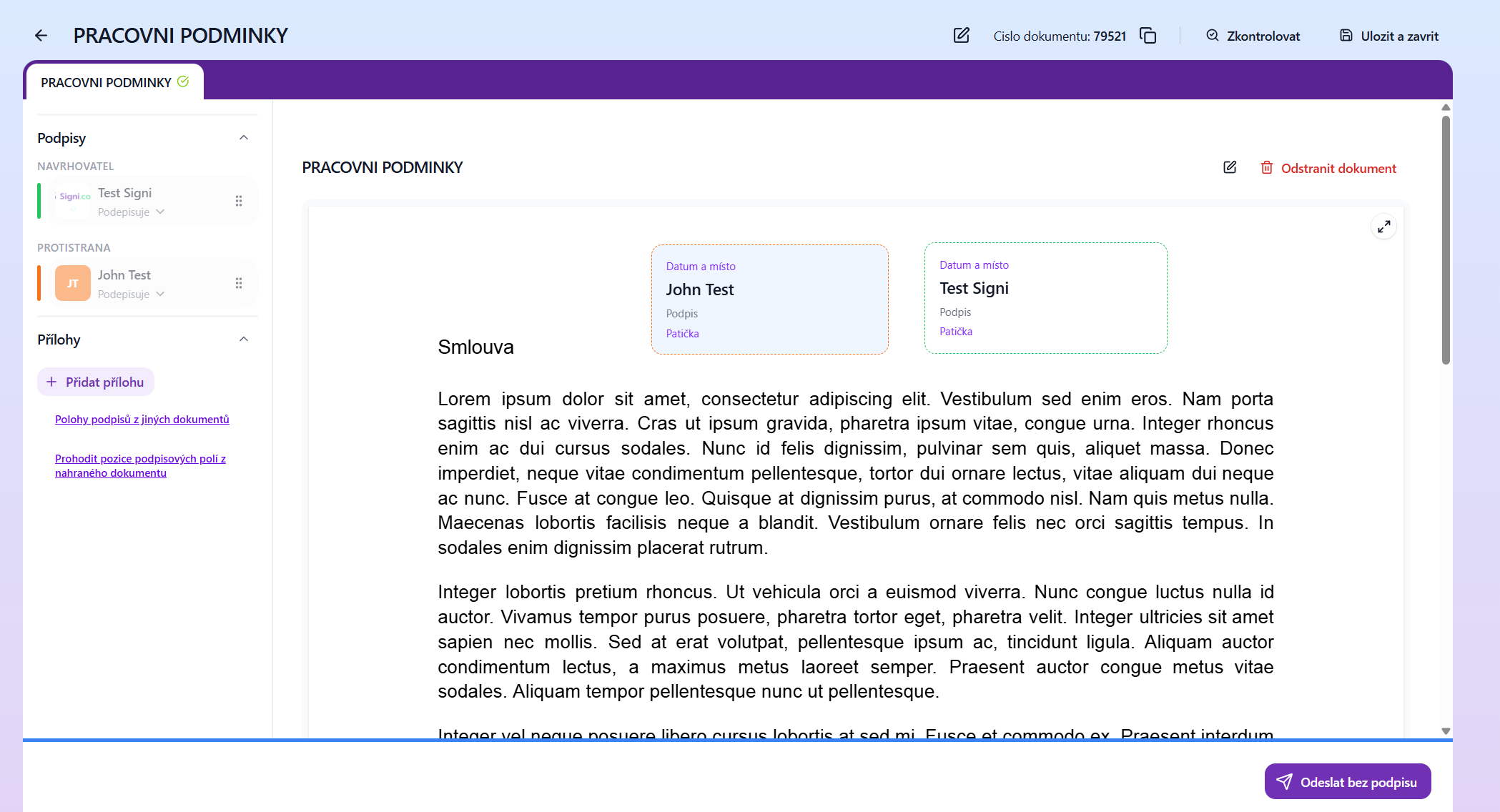
In the General settings section, enable the Delivery by Legal Fiction option. Enter the counterparty.
2. Setting up the signing scenario:
In the General settings section, enable the Delivery by Legal Fiction option. Enter the counterparty.
 3. Sending for signature:
Send the document in the usual way.
3. Sending for signature:
Send the document in the usual way.
 How is the delivery deadline calculated?
The countdown of days until automatic completion begins exactly at the moment the given counterparty's turn comes – that is, when the system delivers an email notification to the counterparty about a new document to sign.
How is the delivery deadline calculated?
The countdown of days until automatic completion begins exactly at the moment the given counterparty's turn comes – that is, when the system delivers an email notification to the counterparty about a new document to sign.
Was this article helpful?
That’s Great!
Thank you for your feedback
Sorry! We couldn't be helpful
Thank you for your feedback
Feedback sent
We appreciate your effort and will try to fix the article