Do you have documents that you use over and over again, and the only things that change are the header and a few values in the document text? In that case, we can speed up and simplify your work considerably. Templates allow you to fill in the required data at places you have defined in the document, and then sign it with any type of signature.
The most common uses of templates:
- handover protocols, delivery notes, service sheets
- HR documents
- ELDP forms, taxpayer declarations, etc.
- orders and simple contracts such as NDAs
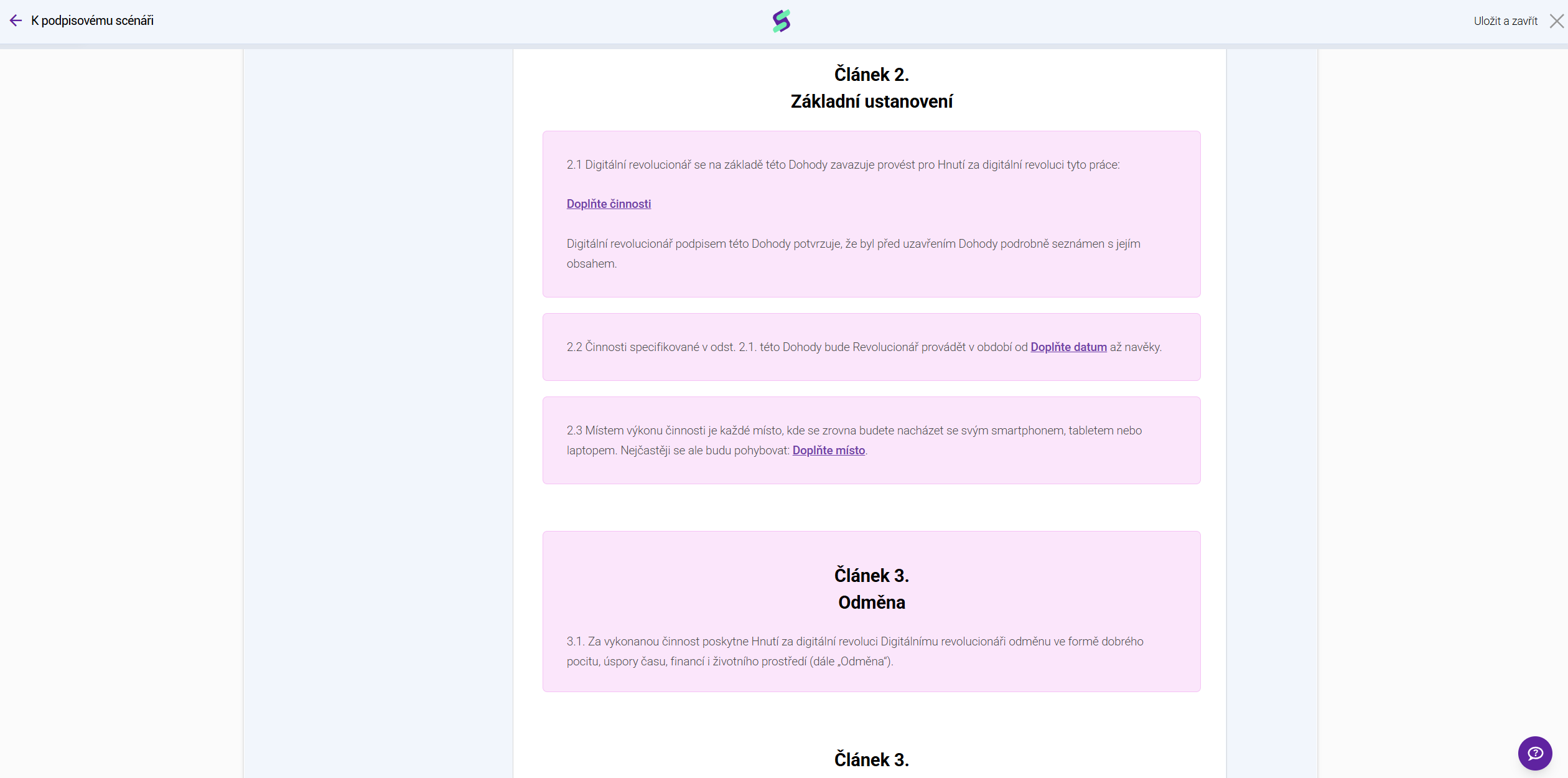
You can create a template directly in Signi from any Word document, into which you insert fill-in fields (so-called placeholders) that the sender or the counterparty then fills in with the required values. A fill-in field can be text, a number, an email, a phone number, an address, or a selection of options. It can be set as mandatory or optional, and it also contains information about who fills it in.
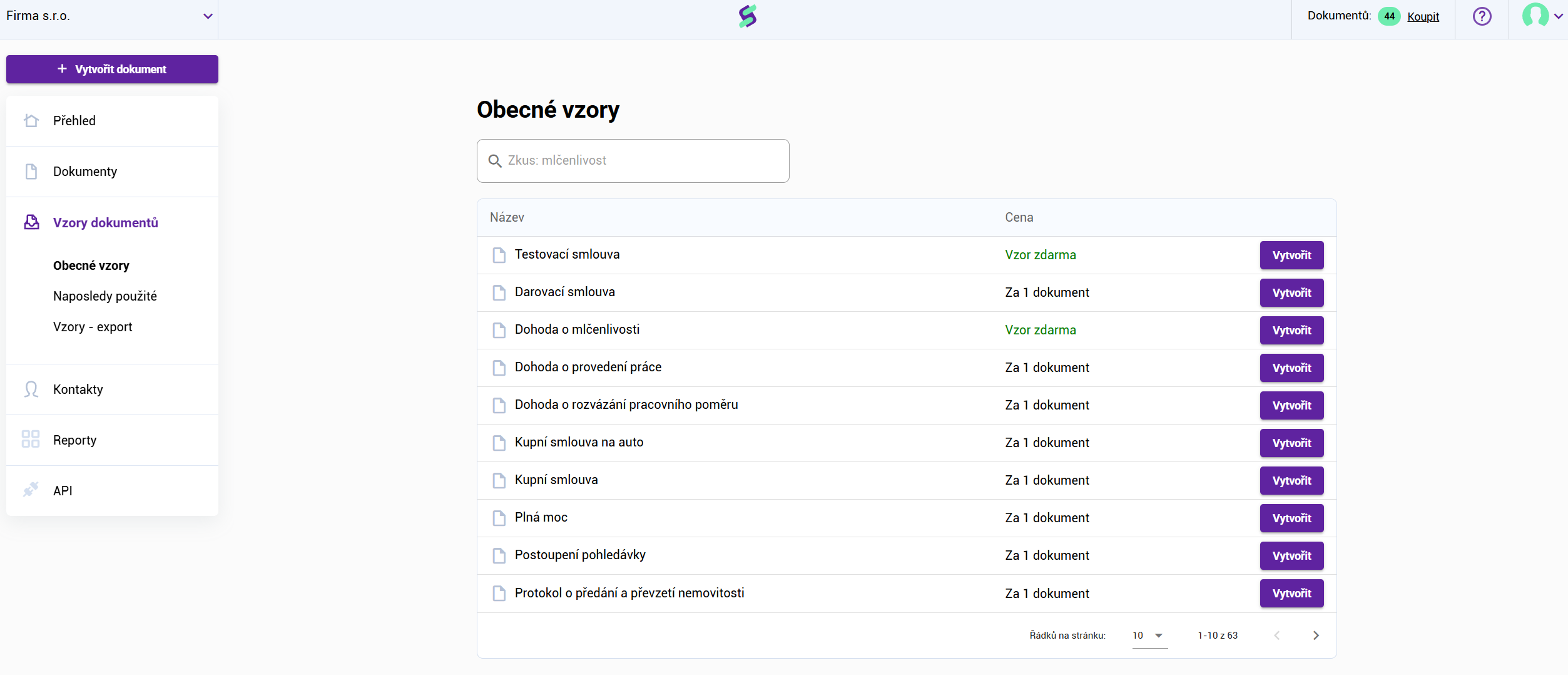
If your license includes the Templates feature, you can find them in the left menu under the link Document Templates.
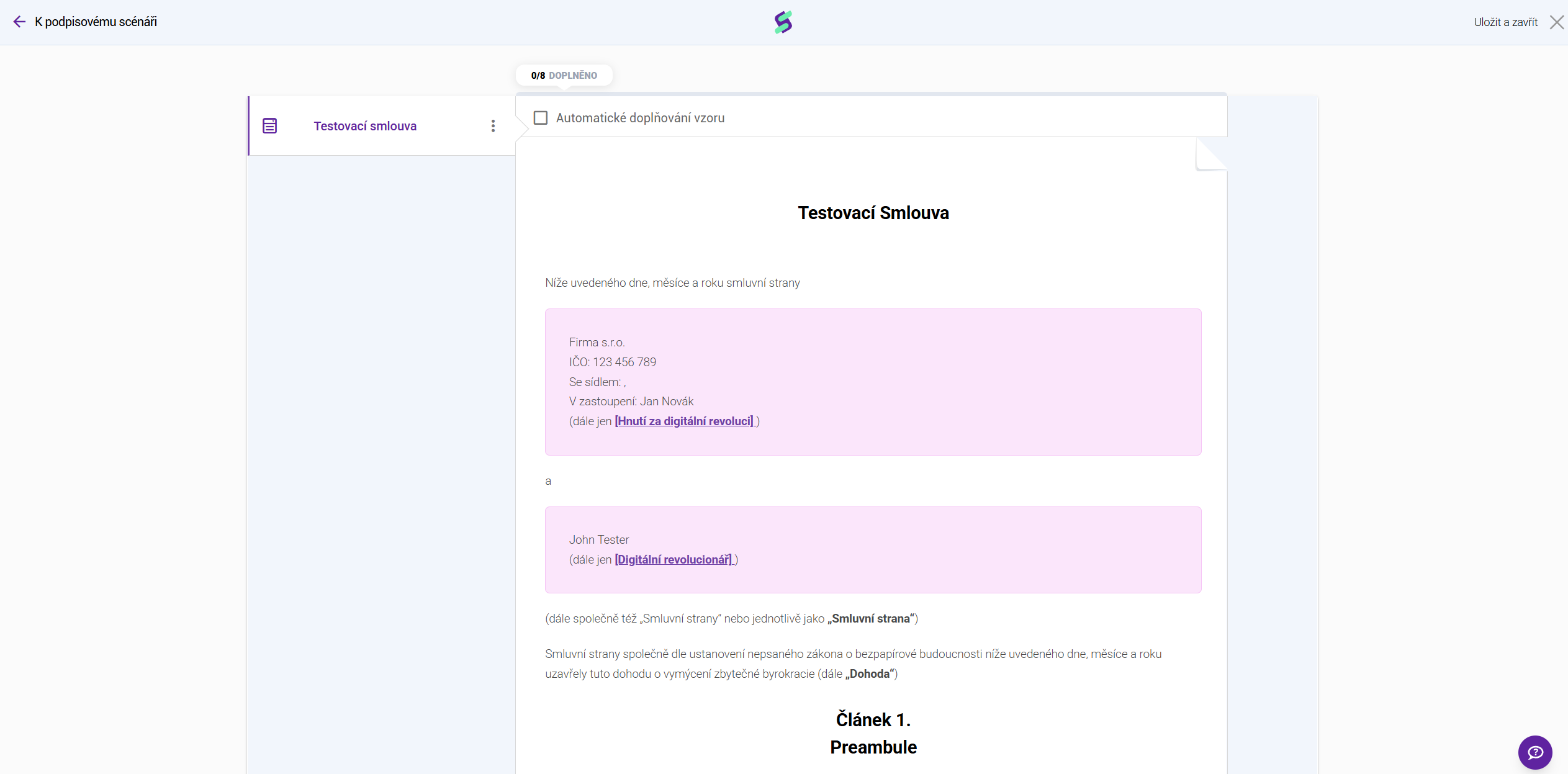
You will fill in all the data in the document directly within the Signi environment:
Within the Templates module, you have general templates created by us available for free use. However, you will much more often make use of the option to create your own templates. You can create these yourself using the template editor feature, or we will be happy to prepare templates for you from the materials you provide, for a fee.
Are you interested in this additional feature? Contact us at sales@signi.com.
Was this article helpful?
That’s Great!
Thank you for your feedback
Sorry! We couldn't be helpful
Thank you for your feedback
Feedback sent
We appreciate your effort and will try to fix the article