By default, the standard archiving period is set for the entire workspace. However, you can customize it for individual envelopes.
When uploading a document:
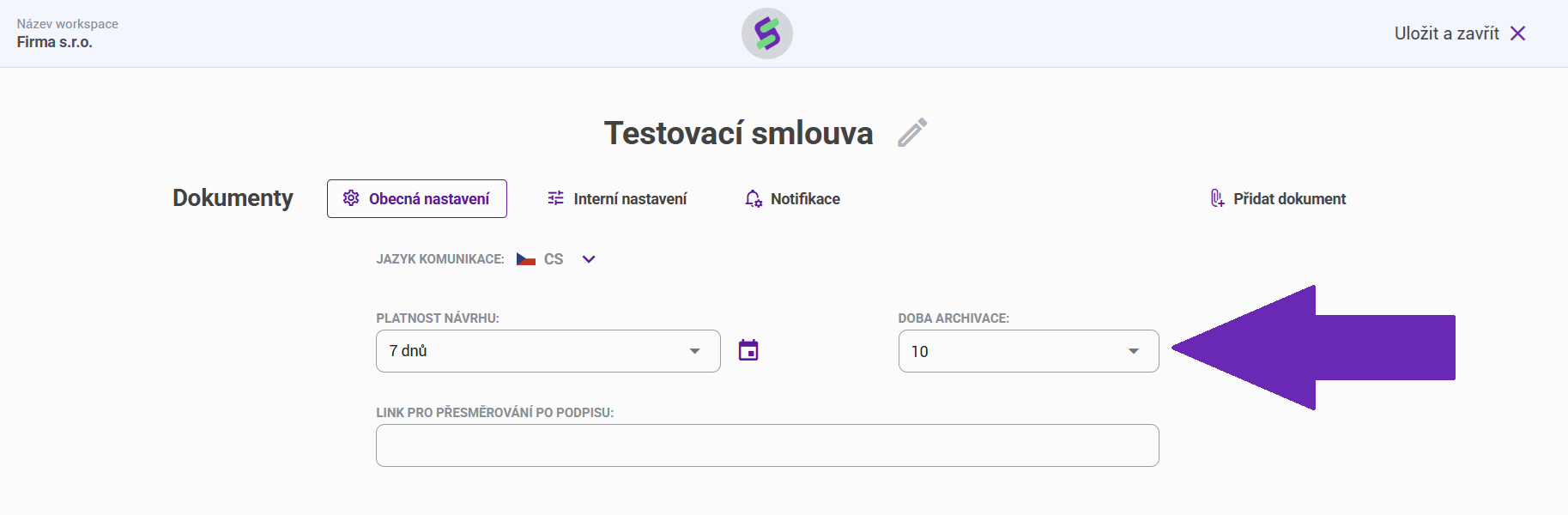
Click the General settings button.
On the right side, the archiving period setting option will appear.
You can adjust the archiving period as needed for each envelope separately.
This way, you can manage document retention periods individually without changing the workspace's default archiving policy.
Was this article helpful?
That’s Great!
Thank you for your feedback
Sorry! We couldn't be helpful
Thank you for your feedback
Feedback sent
We appreciate your effort and will try to fix the article