Overview
Two-Factor Authentication (2FA) adds an extra layer of security to your SIGNI account by requiring a verification code in addition to your password when signing in.
SIGNI uses SMS-based 2FA, where a one-time verification code is sent to your registered mobile phone number during login.
Availability
The 2FA (SMS) login setting is available to all users of SIGNI.
Enabling or Disabling 2FA
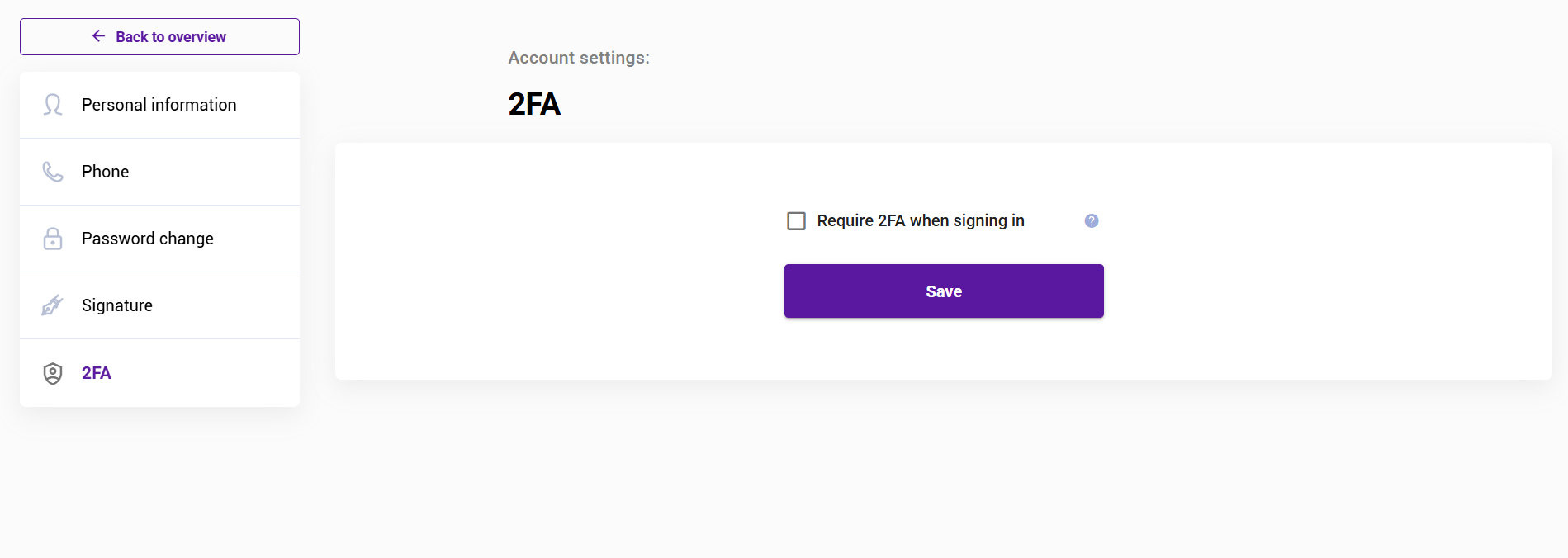
You can turn SMS-based 2FA on or off from your account settings.
When enabled:
After entering your username and password, you will receive a one-time verification code via SMS.
You must enter this code to complete the login process.
When disabled:
You will be able to sign in using only your username and password.
How to Manage 2FA Settings
Sign in to SIGNI.
Go to Account Settings.
Locate the 2FA option.
Toggle the setting on or off as needed.
Save your changes.
Important Notes
Ensure your mobile phone number is up to date to receive SMS verification codes.
If you do not receive an SMS, check your network connection or contact support.
Enabling 2FA is strongly recommended to improve account security.
Was this article helpful?
That’s Great!
Thank you for your feedback
Sorry! We couldn't be helpful
Thank you for your feedback
Feedback sent
We appreciate your effort and will try to fix the article