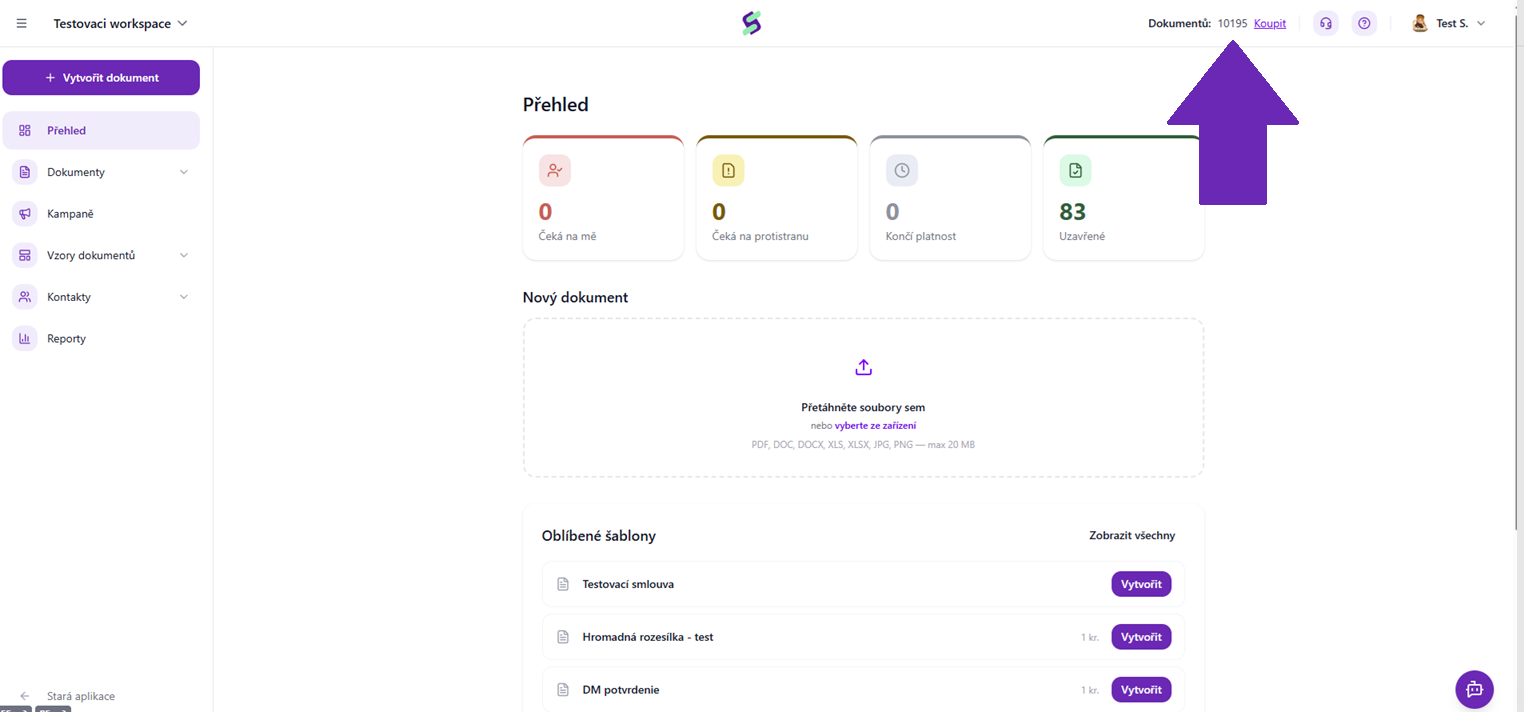
Credits in SIGNI represent the number of documents you can create within your license. You can find your current number of credits after logging into SIGNI in the top right corner of the application.
Credits have a limited validity, which is usually the same as the validity of your license, unless stated otherwise. After this period expires, unused credits are forfeited and canceled.
If you purchase through the e-shop, you can buy an annual license, or you can also take advantage of our Pay As You Go plan, where your credits will not have a limited validity.
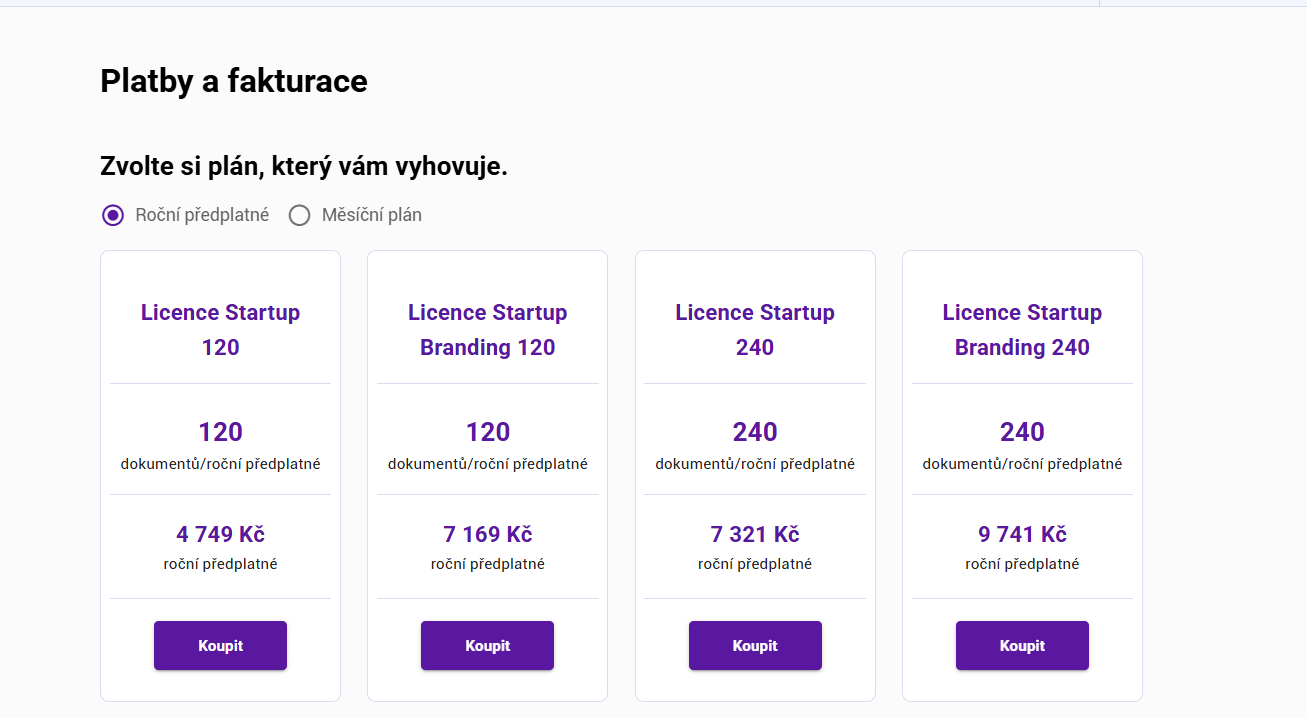
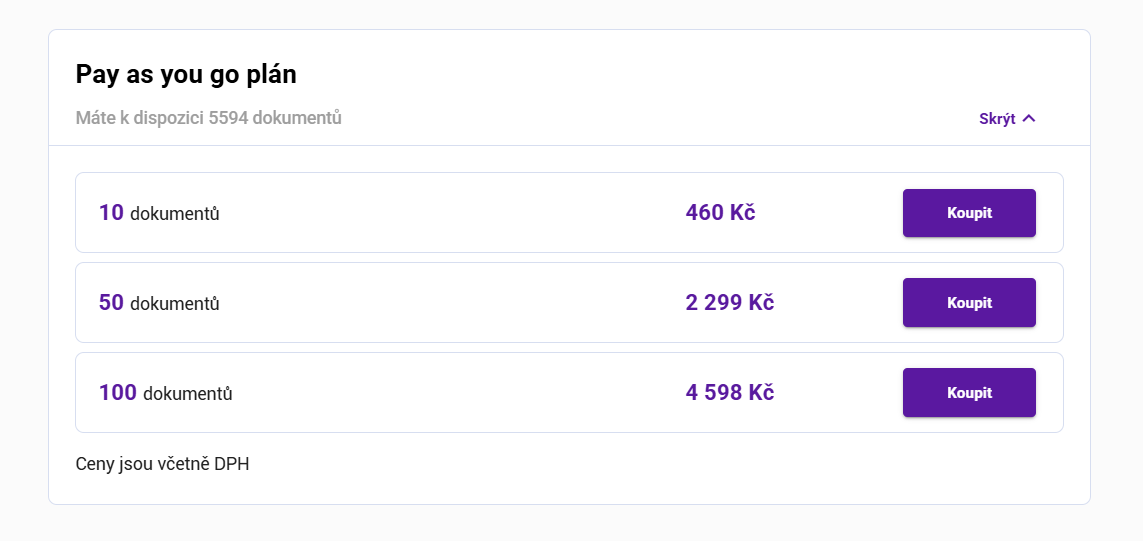 If you need more credits, contact your account manager or write to us at care@signi.com
Was this article helpful?
That’s Great!
Thank you for your feedback
Sorry! We couldn't be helpful
Thank you for your feedback
Feedback sent
We appreciate your effort and will try to fix the article